
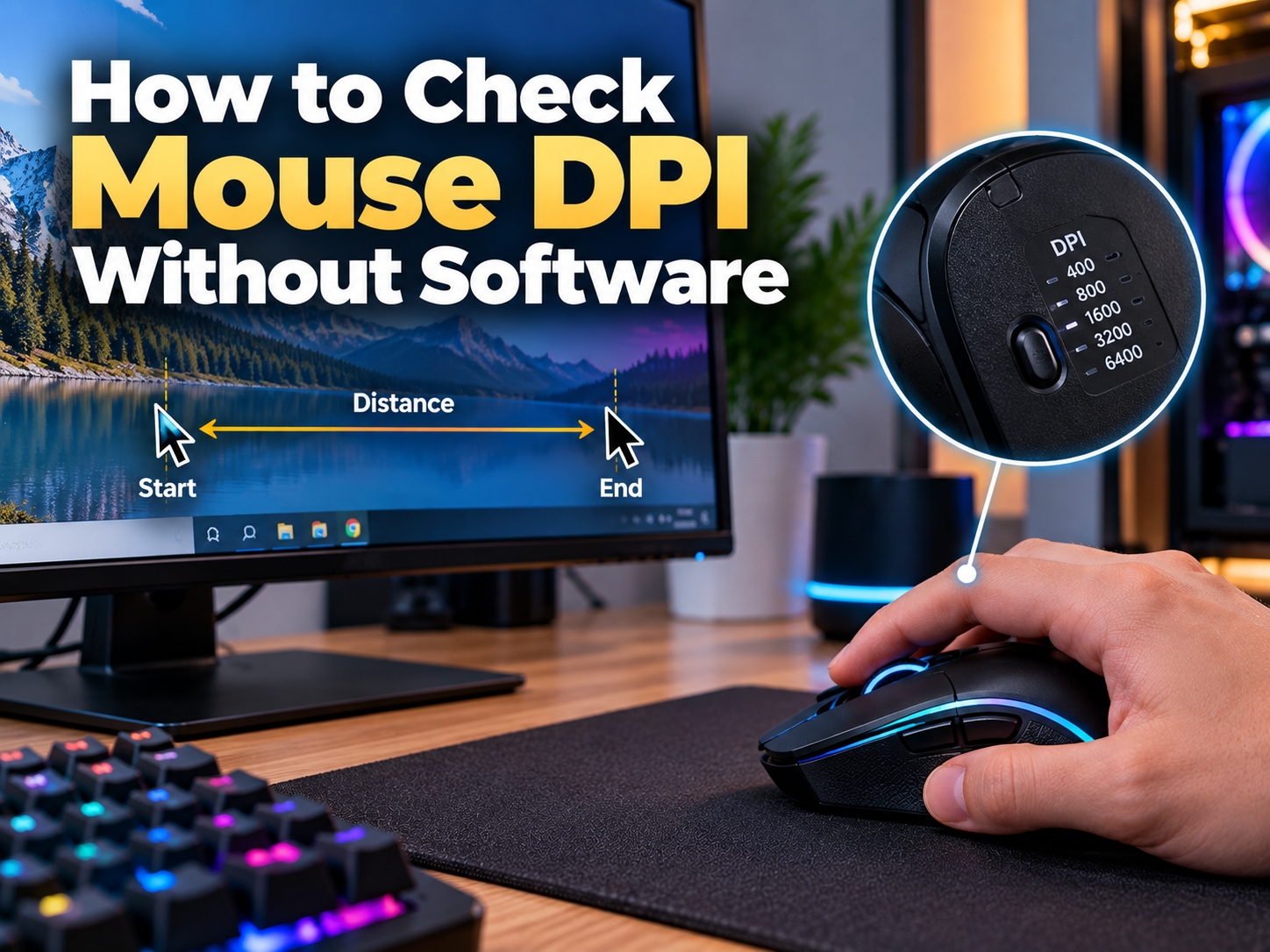
When its about buying a mouse, majority of the people check the price and the design, and the specifications on the box they usually skip. But when someone start gaming or doing graphic design work, then the DPI of the mouse comes into the picture. Since most of the users don't want to install brand software only for checking one number, this is a very common question that they usually ask.
Now let me tell you that DPI means dots per inch. In simple words its the number of pixels your cursor moves on the screen when you move the mouse one inch on the desk. Suppose your mouse is set on 800 DPI, then one inch movement will move the cursor around 800 pixels.
1. Use the Mouse DPI Checker Online
The most easy way is to use an online tool and my suggestion is the Mouse DPI Checker. The big plus point is that you don't have to download anything, it works direct in the browser. You just enter a target distance like 2 or 3 inches, then hold the left click and drag the mouse exactly that distance on the pad. The tool count the pixels and shows the DPI value on the screen. Better to keep a ruler on the desk and do the test 3 to 4 times, then take the average. For gamers and normal users both, this mouse DPI checker does the job.
2. Ruler and MS Paint Method
Now if we talk about the manual way, you need a ruler and MS Paint (free in every windows computer). Open Paint, put the cursor on the left side and note the pixel position showing at the bottom. Then move the mouse exactly one inch with the help of ruler and check the new position. The difference between both numbers is more or less your DPI, it takes few extra minutes.
3. Check the DPI Button and Manual
And many gaming mouse have a DPI button below the scroll wheel, the LED light change colour on each level. The user manual normally tell which colour is for which DPI, so this give you a rough idea.
Having said that, before doing any test you should go to the windows mouse settings and turn off the option "Enhance pointer precision". When its on, windows add acceleration and the DPI reading comes wrong.
At the end of the day, once you know the actual DPI of your mouse you can set the sensitivity according to your use, and the Mouse DPI Checker is the simple option for this if you dont want to install any software.