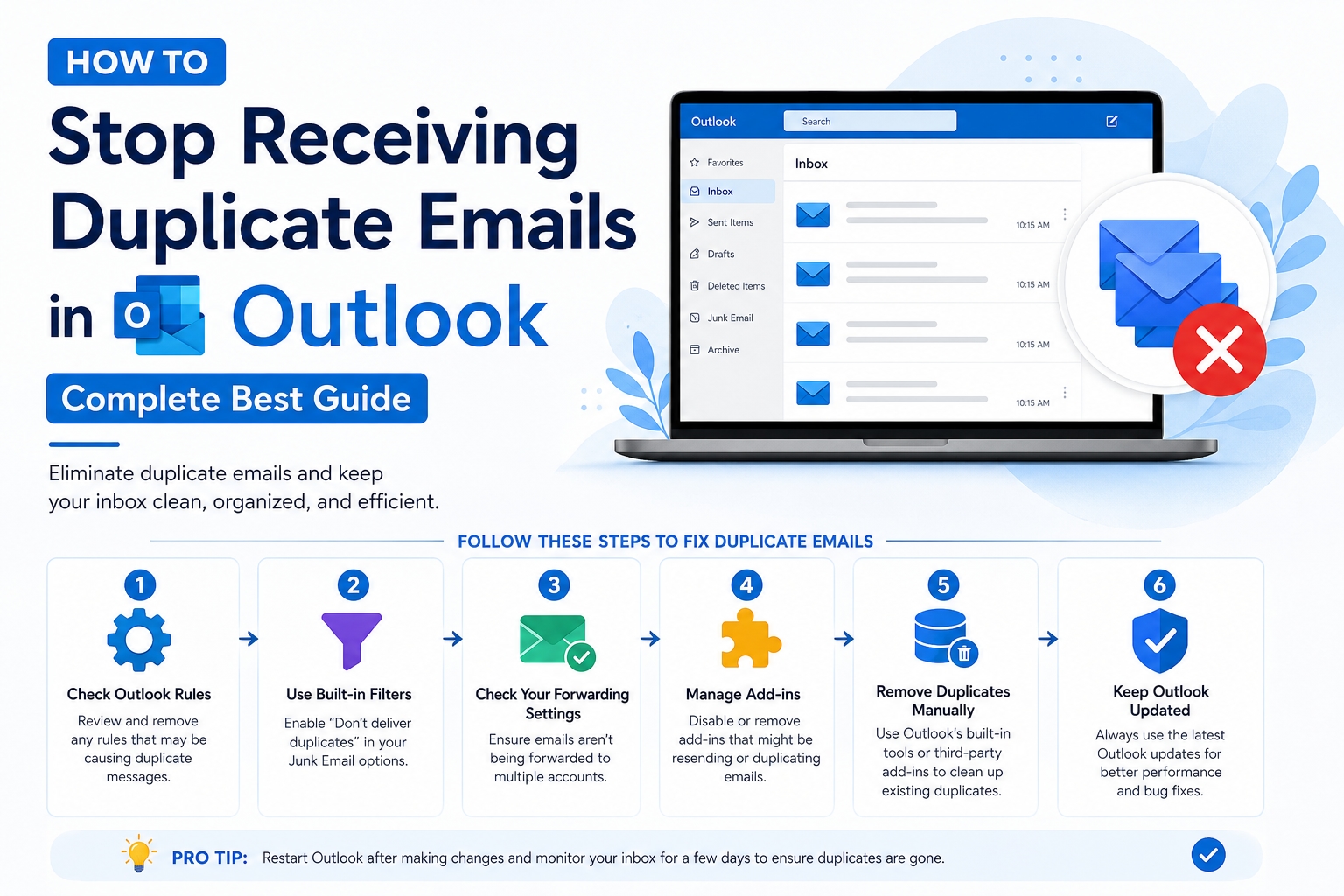
There are lots of times when Outlook users also receive duplicate emails. Receiving Duplicate emails in Outlook can be quite annoying - duplicate messages can clutter our inbox, slow down our performance, and cause confusion, particularly in a work environment. Duplicate messages can impact your productivity, whether you are using Outlook 2021, 2019, 2016, or earlier versions of Outlook.
This article provides the top 4 ways to fix duplicate messages in Outlook, which include some manual options as well as a professional option. If you are still thinking about how to stop receiving duplicates in Outlook, continue to read on.
What are the Causes for Outlook Receiving Duplicate Emails?
Before learning how to stop receiving duplicate emails in Outlook, it is good to know the main reasons for this. Duplicate emails in Outlook are usually related to Outlook's settings, the Outlook data files, and any interference from external programs. Let’s talk about them briefly:
1) Incorrect Outlook Account Settings
Outlook may download the same email twice for every message if you set up the same email account multiple times.
2) Email Rules and Filters Clashing
Outlook could put the same email in more than one folder if you had applied some filters can cause overlap or conflict.
3) Antivirus or Firewall Interference
Some security software may stop the process of syncing emails, which can cause the problem of receiving duplicates emails in Outlook.
4) Outlook Synchronization Error
If there are any problems with syncing between the mail server and the Outlook client, especially when using IMAP or Exchange accounts, this might cause Outlook receiving duplicate emails.
5) PST File Corruption
If your PST file is corrupted, Outlook may have trouble with performance and duplication of data, especially if the file is quite big.
These are the core reasons possibly causing the problem in Outlook. Let’s discover what steps or methods can resolve Outlook receiving duplicate emails.
4 Best Fixes for How to Stop Receiving Duplicate Emails in Outlook
If you’re wondering how to stop receiving duplicate emails in Outlook, then these 5 methods include both manual and great automated tools that help to resolve the cause of Outlook. These methods are:
Reconfigure or Remove Duplicate Accounts
Review and Edit Outlook Rules
Temporarily Disable Antivirus Email Scanning
Repair Outlook Data Files (.PST)
Let’s talk about them in brief:
Method 1: Reconfigure or Remove Duplicate Accounts
Outlook may treat the same account as two different ones with different inboxes if you set it up more than once. It will then download the same emails over and over again.
Pros:
It's quick and easy.
Stops the same account from sending duplicate emails in the future.
Cons:
You might lose some options that are unique to your account.
Doesn't get rid of copy emails that are already there.
Method 2: Review and Edit Outlook Rules
If the rules are not set up properly or overlap, the same message can be moved or copied more than once.
Pros:
It makes it easier to find emails.
Deletes rules that were sending duplicate emails.
Cons:
It takes a long time to find bad rules.
Doesn't fix emails that have already been sent twice.
Method 3: Temporarily Disable Antivirus Email Scanning
Antivirus software has email scanning features that could re-fetch messages, resulting in duplicates.
Pros:
Easy to do.
Good way to confirm that security software is the culprit.
Cons:
Temporary reduction in email security while you perform the test.
This is not a permanent fix - either way, you will need to force email scanning to be reconfigured or use exemption rules.
Method 4: Repair Outlook Data Files (.PST)
A PST file that is damaged may cause Outlook to not work correctly, including re-sending or re-downloading emails/messages.
Pros:
Can often repair internal file-level issues.
It can also help improve Outlook performance overall.
Cons:
Cannot repair a severely damaged file.
Risk of losing data if not have a backup in the first place.
Note: Before applying these fixes, you might have already received duplicate emails in your Outlook mailbox, which are cluttering your mailbox, making large mailbox size, which directly slows down the performance of Outlook. So, whether you have Outlook 2021, Outlook 2019 or Outlook 2016, duplicate emails can happen due to improper rules, sync problems, or a corrupted PST file. To keep your mailbox running effectively, remove duplicate emails in Outlook feature of cleanup tool is a great solution for decluttering your mailbox. Of course, you'll still have manual clean-up options, but those can be problematic. If you're looking for a more intelligent solution and faster than trying to do all that manually, I would suggest you to use SysTools Outlook Duplicate Remover, which can solve your problem immediately in no time.
Bonus Tips to Know: How do I Stop Receiving Duplicate Emails in Outlook?
#1 Manage Your Inbox Regularly
Use the Outlook cleanup tool, which helps to remove similar emails and outdated conversations, and make your mailbox productive and smoother.
#2 Check Sync Status and Server Settings
A lot of sync errors could mean issues with your server or connection settings. By keeping these settings current, you'll minimize or even eliminate issues.
#3 Universal Messaging with IMAP
IMAP ensures that your data syncs effectively and avoids downloading similar emails again. POP downloads your emails and saves them locally, which increases the likelihood of duplicates.
Conclusion
If you're still asking, "How do I stop receiving duplicate emails in Outlook?" the most dependable and time-efficient option is the Outlook receiving duplicate emails remover Tool, which is a professional utility that provides a painless cleanup and future duplicate-removal maintenance plan.