Most shops buy digitizing software too early, or outsource for too long. Both mistakes cost real money, and neither shows up as a line on an invoice.
A proper professional embroidery software comparison makes the gap clear. Software means a license, a computer that can handle it, and weeks of learning before your stitch files stop causing trouble. Outsourcing means a fee every time a new logo comes in. Which one costs less depends on how many designs you handle, how much time you have to learn digitizing, and what your customers ask for.
A shop that repeats the same logos every week has different needs from one that gets a few detailed designs a month. So look at the full cost, not just the software price or the fee for one file.
What Does Embroidery Digitizing Software Really Cost?
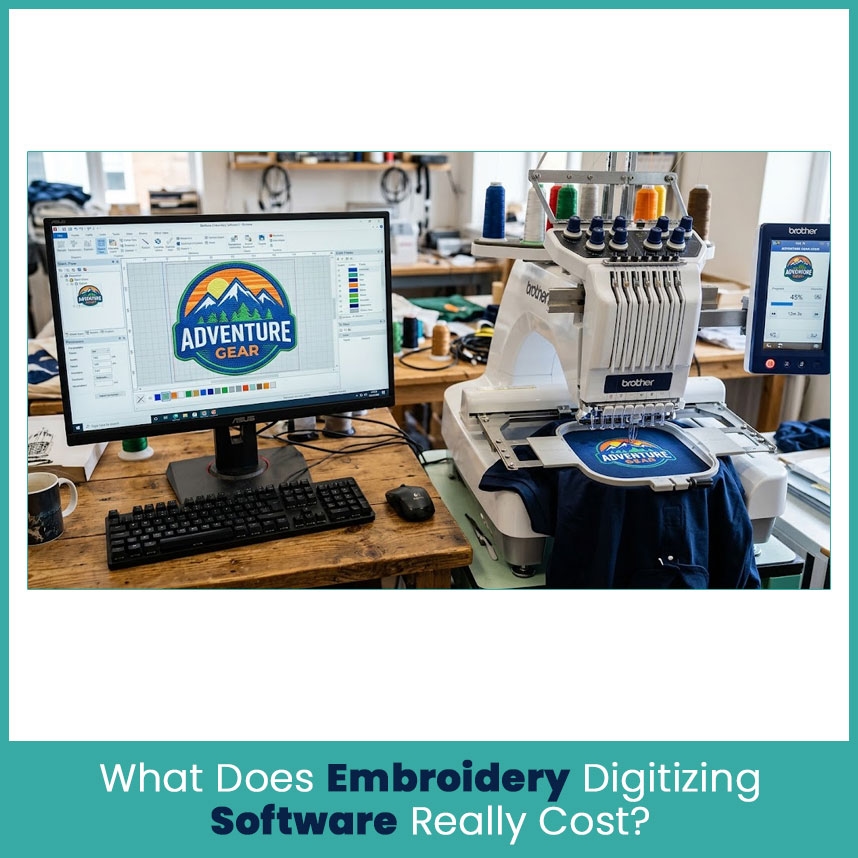
Software is a business investment, not just another program. The price depends on the level, the tools included, and whether you pay once or subscribe.
Upfront License Fees
Prices vary a lot. Some programs focus on lettering and editing, others include advanced tools for building stitch files from artwork.
Here’s a current example. Wilcom America lists its EmbroideryStudio 2026 Designing package at $4000 one time or $1490 per year, with a monthly plan also listed. That’s one professional package, not the price of every embroidery program.
Compare what each level includes:
Basic lettering and editing: Good for names, monograms, and small changes.
Intermediate tools: Help with combining designs, editing stitches, and adjusting lettering.
Full digitizing tools: More control over stitch types, underlay, density, and direction.
Advanced commercial tools: Better for detailed work and complex adjustments.
A cheaper program works for a small shop that mostly adds names. A shop that handles detailed logos, caps, patches, and jacket backs needs more control over the stitch plan. And don’t pay for premium features just because they’re in the package. Write down what you do every week first, then match the software to that list.
Hidden Costs: Learning, Updates, Add-Ons
The license price is only part of it. You also need time to learn the software and check every design before it touches a customer’s order.
Say you buy a program and spend several evenings learning lettering, density, underlay, and pull compensation. That time costs your business something, even if you never pay yourself an hourly wage.
Your total might include:
The license or subscription
A computer upgrade if your system doesn’t meet the requirements
Training courses and practice materials
Paid fonts and add-ons
Upgrades and support, depending on the license
Time spent fixing designs that don’t stitch right
Computer requirements matter too. Current professional programs have specific operating system, memory, and storage needs. Check them before you buy, not after.
The Cost of Bad Digitizing
A poor stitch file costs more than the time to make it. It wastes garments, thread, stabilizer, and machine time.
Take an order of 30 polos. If the logo has gaps, heavy stitching, or unreadable lettering, you stop, inspect the file, and stitch a new sample. If the problem stays, you might replace damaged shirts or redo finished ones.
Auto digitizing embroidery software is a common source of this. It converts artwork into stitches fast, but it often misses underlay and direction choices, so you still need to check and fix the file by hand.
Common problems:
Too many stitches in a small area
Wrong stitch direction for the shape
Weak underlay on stretchy fabric
Tiny lettering that closes up
Gaps or missing details
Wrong settings for caps, towels, or other textured fabric
A file that looks fine on screen still needs a proper stitch plan. Good software gives you control, but you need the skills to use it well.
How Much Does Professional Digitizing Cost Per Design?
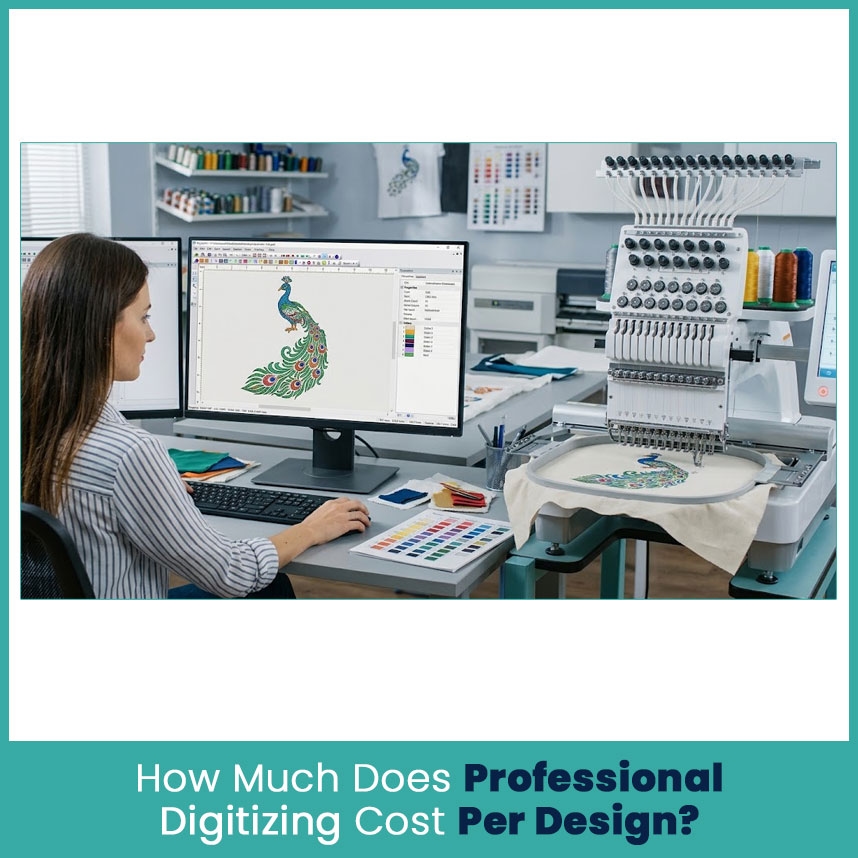
Hiring a professional digitizing service provider swaps the software investment and the digitizing work for a fee paid to a specialist. You send the artwork, share the garment and size and ask for the format your machine reads. Pricing depends on the provider and the project. Some charge per stitch, others use flat rates based on size or complexity.
Outsourcing swaps the software investment and the digitizing work for a fee paid to a specialist. You send the artwork, share the garment and size and ask for the format your machine reads. Pricing depends on the provider and the project. Some charge per stitch, others use flat rates based on size or complexity.
Per Stitch vs Flat Rate
Per stitch pricing: The service charges by the final stitch count, usually with a minimum. At $1.50 per 1000 stitches, a 10,000 stitch design costs $15 and a 20,000 stitch design costs $30, before minimums or extra charges.
Flat rate pricing: The provider sets a price by size, placement, or complexity. The fee doesn’t climb with every extra stitch.
Price lists I checked in October 2026 show how much rates differ. One provider lists standard designs at $15, portrait designs at $25, and full-size designs at $60. Another starts standard left-chest digitizing at $15 and complex left-chest work at $20. Those are individual providers, not industry wide prices.
When you compare quotes, check what’s included:
The format you need, like PES or DST
Design size and placement
Number of revisions
Delivery time
Extra charges for rush jobs or special techniques
A low price isn’t the cheapest option if the provider charges extra for your file format or for corrections.
What Changes the Price
Two logos of similar size can take very different amounts of work. A two color company name is nothing like a mascot with tiny lettering, thin outlines, and overlapping shapes.
Complexity: More detail and overlap means more planning.
Finished size: A chest logo and a jacket back need different settings.
Garment type: Caps, towels, fleece, and stretchy polos all behave differently.
Special techniques: Applique and 3D puff need specific stitch planning.
Turnaround: Some providers charge extra for urgent work.
Revisions: Check whether adjustments after a test stitch cost extra.
Send the digitizer the real artwork, the finished dimensions, and the garment. A clear brief gets you an accurate quote and a file that fits the right placement.
Software vs Professional Digitizing: Side-by-Side
The fairest comparison counts direct costs and the time your shop spends making and checking designs.
Cost factor | In-house software | Outsourced digitizing |
|---|---|---|
Upfront cost | License and possible computer upgrade | Usually a fee per design |
Learning time | You need to build digitizing skills | No need to learn the whole process |
Repeat designs | Edit or reuse your own files | Reuse files if the terms permit |
Design control | Full control over edits and settings | Depends on the service and revision process |
Complex artwork | Needs the right software and experience | A specialist plans the stitches |
Ongoing cost | Updates, add-ons, training, your time | Fees for new designs and extra revisions |
Neither option wins for every shop. Software gets more attractive when you create many designs and use the tools often. Outsourcing makes more sense when design work comes in small batches or needs skills you don’t use every day.
Break Even Point
Let’s use a simple example. Let say you’re looking at a $4000 software package, based on Wilcom’s published one time price for its Designing package. You compare it with a hypothetical $20 digitizing fee per design. The $20 is just for the math, since real prices vary.
$4,000 ÷ $20 = 200 designs
At 200 designs, the software cost equals what you’d pay in outsourcing fees. That math leaves out training, maintenance, computer costs, and the value of your time.
Here’s how volume changes it:
Small shop, 5 designs a month: Outsourcing costs $100 a month, or $1200 a year. A $4000 license takes a long time to pay off.
Mid-size shop, 20 designs a month: Outsourcing costs $400 a month, or $4,800 a year. In-house software deserves a closer look if someone on your team can use it well.
High-volume shop, 50 designs a month: Outsourcing costs $1000 a month or $12000 a year. Going in-house might cut costs, but only if you have the time and skills for the workload.
These numbers assume the same $20 fee for every design and skip extra charges and software expenses. They show the math, not your actual savings.
Time: DIY Hours vs Outsourced Turnaround
Time matters as much as the license price. When you digitize yourself, you handle the artwork, pick stitch settings, check the preview, fix problems and prepare the file for the machine.
Say one design takes two hours to digitize and check. At 20 designs a month, that’s 40 hours. Those hours could go to customer calls, garment prep, quality checks, or other work that brings money in.
Outsourcing doesn’t remove every task. You still send clear instructions, review the file, and test it on the real fabric. But the digitizing itself goes to someone who does it all day.
Compare the provider’s turnaround with your deadline. A low price means nothing if the file arrives after you need to start stitching.
Which Option Fits Your Apparel Shop?
It depends on your order pattern, your team’s skills, and the logos you get.
When Software Makes Sense
Buy software when you create new designs regularly and want direct control. It’s worth a look if:
You handle new logos and lettering every week
You often adjust existing designs for different sizes
Someone on your team has the time and interest to learn digitizing
You need quick edits without waiting on an outside provider
Your workload justifies the license and training costs
It also builds a long-term skill. Once you can build and edit stitch files, repeat orders and small changes get easier. Still, buying a program doesn’t make you an experienced digitizer overnight. Plan time for practice and test stitching before you try new skills on a big customer order.
When Outsourcing Saves Money
Outsourcing works when you need good stitch files but don’t have enough regular digitizing to justify software and training. Think about it when:
You get only a few new logos each month
Most orders use existing, approved designs
Complex artwork or special techniques show up only now and then
Your staff already has a full plate
You want a specialist to review a tricky stitch plan
Before you pick a provider, check their sample work, revision policy, turnaround, and experience with your garments. A good file fits your actual design size and fabric, not just the preview.
Hybrid: Simple Logos In-House, Complex Ones Outside
You don’t have to pick one. Many apparel shops split the work. Handle simple lettering, monograms, and minor edits in-house, and send detailed logos, jacket backs, and special cap designs to a specialist.
Say a customer orders 25 shirts with employee names and a detailed company logo. You add the names yourself and outsource the main logo if its stitch plan needs more advanced work.
That keeps everyday jobs close and gives hard designs proper attention. As your new design count grows, review your costs again and decide whether stronger software makes financial sense.
How to Pick a Reliable Digitizing Service
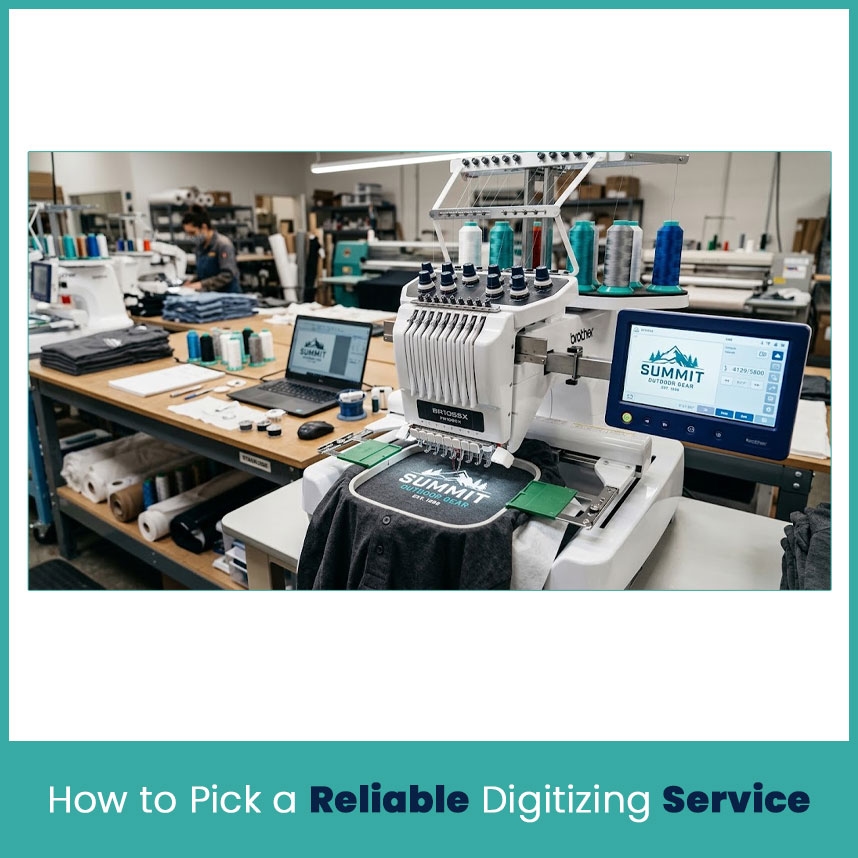
Price matters but file quality matters more. A cheap design that causes trouble on every garment gets expensive fast.
Quality Checks Before You Commit
Before you send regular orders to a provider, check how they handle quality and corrections.
Review sample work: Look for clean lettering, smooth edges, sensible stitch direction, and clear details.
Ask about test stitching: A sew-out on similar fabric shows you the real result.
Confirm file formats: Tell them your machine and request the right format.
Read the revision policy: Find out whether stitch-related fixes cost extra.
Share the details: Send the artwork, finished size, garment type, and placement.
Check delivery time: Confirm turnaround before you promise a customer a deadline.
Don’t judge a file by stitch count or preview alone. A good digitizing file needs a stitch plan that suits the material and the finished design.
FAQs
Is it cheaper to buy digitizing software or outsource digitizing?
Outsourcing usually costs less upfront for shops with occasional design work. Software gets more attractive when regular digitizing justifies the license, training, and time.
How much does a professional digitizer charge per logo?
It varies by provider, size, and complexity. Standard logos often start around $10 to $20 and larger or more detailed designs cost more. Ask for a quote on your specific artwork.
How many designs per month justify buying software?
There’s no fixed number. Compare your monthly outsourcing fees with the license, training, computer costs, and the hours you’d spend making files yourself.
Can I switch between software and professional digitizing later?
Yes. Many shops digitize simple designs in-house and outsource the complex ones. Keep your original artwork and finished stitch files organized so you can reuse them.
Author Bio
Matthew Davis
Senior Embroidery Digitizer
I'm Matthew Davis, a skilled embroidery digitizer with more than 15 years of practical experience. I specialize in logo digitizing, 3D puff embroidery designs, applique digitizing, custom embroidery digitizing, and working with difficult fabrics. Over the years, I have worked with different fashion brands and production teams worldwide. I always share simple tips and useful techniques to help both beginners and businesses improve their embroidery work.



