Introduction
Managing digital documents can become challenging when files are scattered across multiple PDFs. Whether you're handling business reports, invoices, project documents, study materials, or personal records, keeping everything organized is important for productivity and easy access.
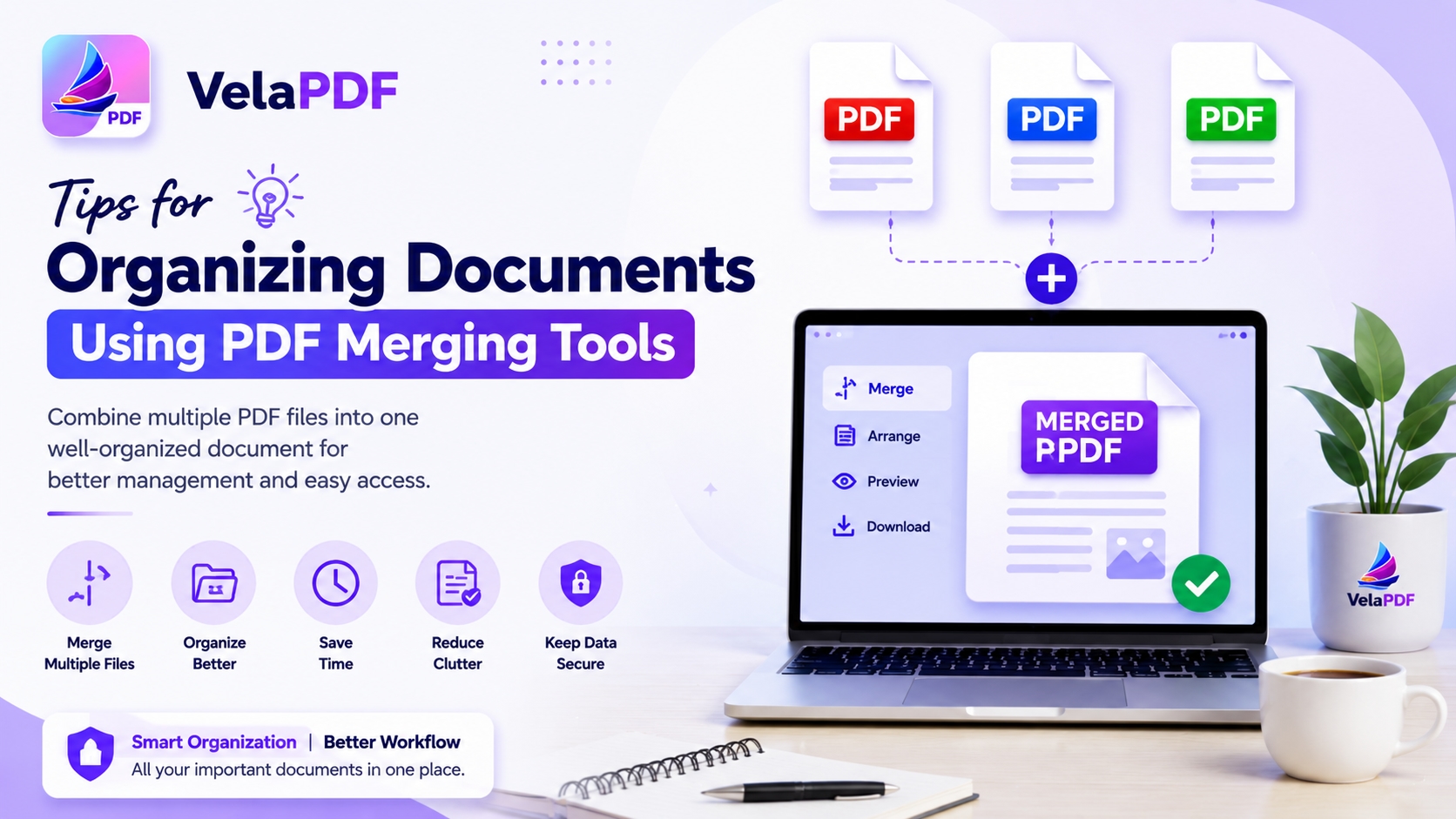
One practical solution is using PDF merging tools to combine related files into a single document. Instead of searching through multiple PDFs, users can create well-structured files that are easier to store, share, and review. Many online platforms also allow users to edit pdf files online, making it possible to organize and update documents without installing software.
In this guide, we'll explore useful tips for organizing documents using PDF merging tools and how better document management can save time in everyday tasks.
Why Document Organization Matters
Poor document organization often leads to confusion, duplicate files, and wasted time searching for information. Whether you're a student, freelancer, or business professional, having a clear filing system helps keep important information accessible.
Benefits of organized PDF documents include:
Faster access to information
Easier file sharing
Reduced document clutter
Better record keeping
Improved collaboration with others
Combining related files into a single PDF is one of the easiest ways to maintain an organized digital workspace.
What Is a PDF Merging Tool?
A PDF merging tool combines two or more PDF files into one document. Instead of keeping separate files for each section, users can create a complete document that contains everything in a logical order.
For example, a business proposal may include:
Cover page
Project details
Pricing information
Terms and conditions
Rather than sending four separate PDFs, users can merge them into one file for easier review.
Tips for Organizing Documents with PDF Merging Tools
Group Related Documents Together
Before merging files, identify documents that belong to the same category or project.
Examples include:
Monthly financial reports
Client contracts
Employee records
Research materials
Course notes
Keeping related documents together reduces the need to search through multiple folders.
Arrange Files in a Logical Order
The order of pages matters when creating merged documents.
Consider organizing files by:
Date
Project stage
Department
Topic
Importance
For example, invoices can be arranged from oldest to newest, while project documents can follow the project timeline.
A well-ordered PDF is easier to read and understand.
Use Clear File Names
After merging documents, choose a descriptive file name.
Instead of:
Document1.pdf
FinalVersion.pdf
Use names such as:
2026_Monthly_Sales_Report.pdf
Client_Project_Proposal.pdf
Employee_Training_Manual.pdf
Clear naming conventions help users quickly identify documents without opening them.
Create Digital Archives
Many organizations maintain records for months or years. PDF merging tools can help create digital archives that are easier to store and access.
Archive Reports
Combine monthly reports into a single annual report.
Store Contracts Together
Merge contract documents and amendments into one file.
Organize Educational Materials
Students can combine lecture notes, assignments, and study guides into one PDF for each subject.
Creating archives helps reduce folder clutter while keeping information organized.
Add a Cover Page for Large Documents
When merging several PDFs, adding a cover page can improve readability.
A cover page may include:
Document title
Project name
Date
Department
Author information
This is especially useful for business reports, proposals, and training materials.
The cover page helps readers immediately understand the document's purpose.
Review Documents Before Merging
Before combining files, take time to review each document.
Check for:
Duplicate pages
Missing information
Outdated content
Formatting inconsistencies
Cleaning up documents before merging prevents confusion later.
Many users also choose to edit pdf files online before creating the final merged version.
Use PDF Editing Tools Alongside Merging
Merging documents is often only one step in the organization process.
Additional editing features can help improve the final document.
Remove Unnecessary Pages
Delete blank pages or outdated sections before merging.
Rearrange Content
Move pages into a better sequence if needed.
Update Information
Correct outdated details or add missing information.
Add Notes or Comments
Annotations can help explain important sections within a document.
When users edit pdf files online, they can prepare documents properly before combining them into one organized file.
Keep File Sizes Manageable
Merged PDFs can become large, especially when they contain images, scanned pages, or lengthy reports.
Large files may be difficult to:
Upload
Download
Share by email
Store on limited devices
After merging documents, consider compressing the final PDF to reduce its size while maintaining readability.
This is particularly useful when sharing documents with clients, colleagues, or students.
Create Standardized Document Structures
Organizations often benefit from using the same structure for recurring documents.
For example:
Business Reports
Cover Page
Executive Summary
Data Analysis
Recommendations
Appendices
Client Files
Agreement
Project Scope
Communications
Deliverables
Using consistent structures makes documents easier to navigate and review.
When PDF Merging Is Most Useful
PDF merging tools are valuable in many situations.
Common examples include:
Combining invoices for accounting records
Creating employee onboarding guides
Organizing legal documents
Building project documentation
Preparing academic study materials
Combining meeting notes and reports
Whenever multiple files belong together, merging them can improve organization and reduce document clutter.
How VelaPDF Helps Manage Documents
VelaPDF provides tools for users who need to organize PDF files online. Users can merge related documents into one file, rearrange pages, compress PDFs, and edit content when necessary.
Whether you're preparing business reports, managing educational materials, or organizing personal records, having access to PDF merging and editing tools in one place can make document management more convenient.
Conclusion
Keeping digital documents organized becomes easier when related files are combined into a single PDF. PDF merging tools help reduce clutter, improve accessibility, and create more structured records for personal, academic, and professional use.
By grouping similar documents, arranging pages logically, reviewing content before merging, and using tools to edit pdf files online when needed, users can create cleaner and more useful document collections.
If you regularly work with multiple PDFs, developing a simple organization strategy can save time and make important information easier to find whenever you need it.