Introduction
Managing contact information is important for personal and professional purposes. Microsoft Excel spreadsheets are easy to create, edit and organize. This is why so many users store contacts in them. However, when transferring contacts to smartphones, email applications, Outlook, Gmail, or any other contact management platform, Excel files are not natively supported. In such cases, the Excel contacts need to be converted to VCF or vCard format.
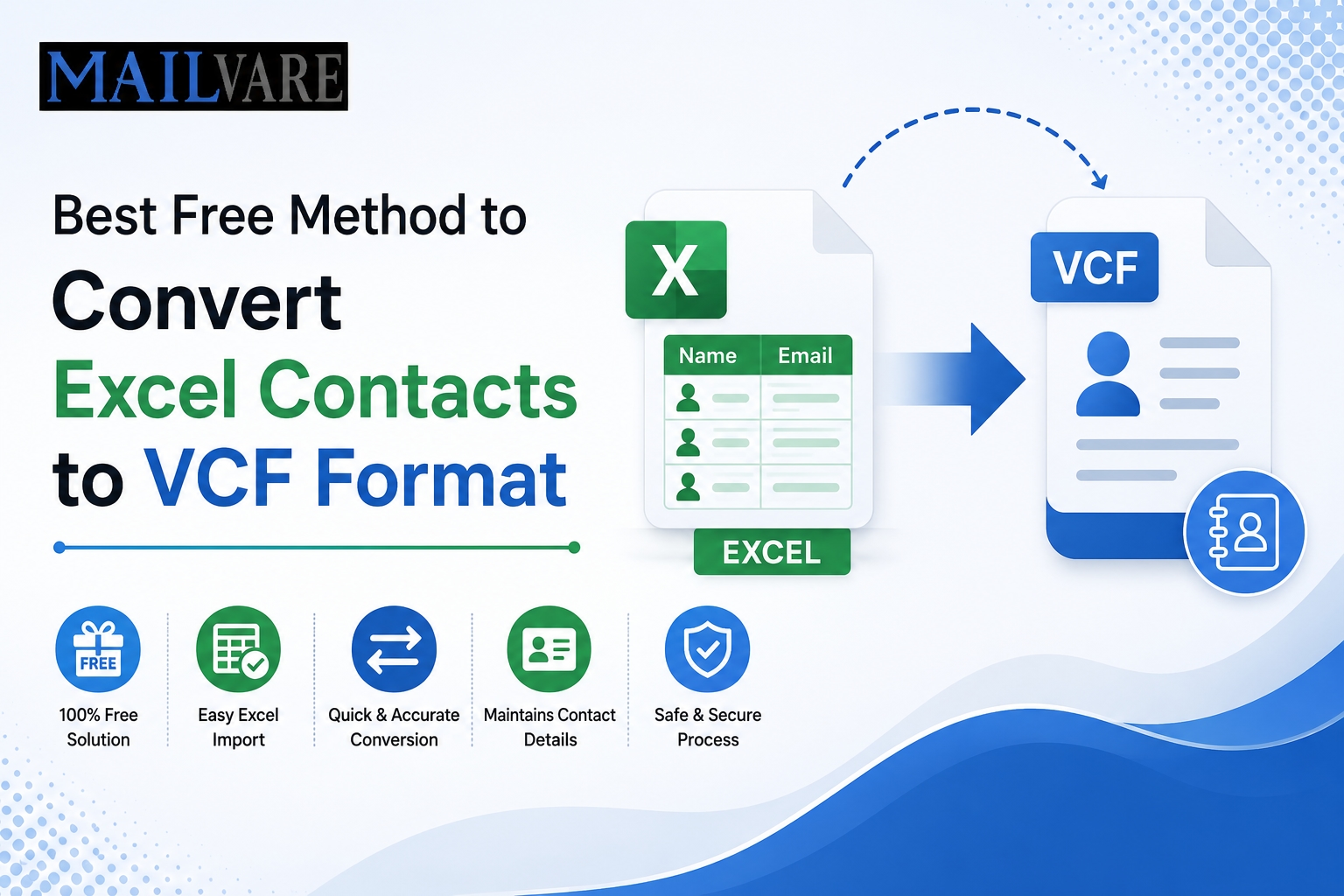
VCF (also known as vCard) is a popular file format that is used to store contact information such as names, telephone numbers, email addresses, company information and more. Most of the devices and applications support VCF files so converting Excel contacts to vCard makes sharing and migrating contacts much easier.
The article explains the best free way to convert Excel contacts to VCF format and how an Excel to VCard Converter can make the process easier.
Why you need to convert Excel contacts to VCF format?
Some of the reasons behind Users to convert Excel 2 vCard files are:
Import contacts to Android phones
Moving contacts to iPhones
Import Contacts to Gmail
Import Contacts in Outlook
Share contacts between devices
Create portable backups of contacts
VCF files work with all and can be easily imported into many contact management applications.
Understanding Excel and VCF
Excel format
Excel files are typically saved in:
XLS XLSX
These files organize contact info into rows and columns, but they aren’t built for use on mobile devices and email clients.
VCF format
VCF (Virtual Contact File) is a standardized format for storing contact information. It could contain:
Full Name, Mobile Number, Email
Company Name Website Address Notes
A VCF file can contain one or many contacts, depending on the version used.
How To Convert Excel Contacts To VCF – Manual Method
The user can convert Excel contacts to VCF format manually using Microsoft Excel and Windows Contacts.
Step 1: Prepare the Excel File
Ensure all contact info is neatly organized into separate columns for:
First Name Last Name Email Phone Number Address
Save the file as .CSV file.
Step 2: Import CSV into Windows Contacts
Open Windows Contacts
Click Import.
Select CSV format.
Browse and import the saved CSV file.
Map the fields properly.
Step 3: Export Contacts to VCF
Choose imported contacts.
Click Export.
Choose vCard (VCF) file format.
Write out the generated VCF files.
Disadvantages of Manual Conversion
The manual way is free but has some disadvantages:
Long process.
Requires several steps
Tough for big contact databases
Risk of field mapping error
Bulk conversion support is limited
Exporting may lead to data loss
Organizations and users find it impractical to convert hundreds or thousands of contacts manually.
Professional Solution : Free Excel to VCard Converter to
If you are looking for a faster and more reliable solution, Mailvare Free Excel to VCard Converter is the easiest way to convert Excel contacts to VCF format.
This software is specially designed to export contacts from XLS and XLSX files to vCard format with all contact information. It allows for mass conversion and simplifies the entire migration process.
Main Features of Excel to VCard Converter
XLS and XLSX File Conversion
The software can work with old XLS files and modern XLSX spreadsheets.
Mass Contact Conversion
Users can convert multiple contacts at once which saves them a lot of time and effort.
Precise Field Mapping
The utility maps properly the following contact fields:
Name Phone number
Email * Company Address Website
This ensures a complete and accurate conversion.
User Friendly Interface
The software has a very simple interface that can be used by technical and non-technical users.
Contact Information
All contact properties are preserved in the conversion process.
Generate Normal VCF Files
The generated VCF files can be imported in:
Android Phones iPhones
Gmail Outlook Thunderbird Apple Contacts
and so many other applications.
How to Convert Excel to vCard in a Step-by-step Way
Just follow these simple steps:
Step 1: Get the Software
Download the application and install it on your computer. For Windows.
Step 2: Upload Excel File
Open the software and navigate to the XLS or XLSX file containing the contact information.
Step 3: Preview Contacts Data
The software shows the contact records for verification before conversion.
Step 4: Map Contact Fields
Map Excel columns to the proper vCard fields.
For example, :
First Name → First Name Phone → Cell Number Email Address → Email
Step 5: Choose Output Format
Choose VCF as the format for the output.
6. Conversions Start
Click on the Convert button and the process will start.
It generates VCF files with all selected contacts in just a few seconds.
7. Load VCF file
You can now upload the generated VCF file to your favorite device or email app.
Advantages of Using Excel to VCard Converter Time-Saving
The software automates the whole conversion process.
Large Contact List Support
Thousands of contacts can be quickly converted.
Reduces Mistakes
Automatic field mapping reduces the risk of data mismatch.
Ensures Data Integrity
Contact details remain unchanged during conversion.
For Personal and Business Use
The software produces consistent results whether you’re working with a personal address book or a business contact database.
System Specifications
The application includes:
Windows 11 Windows 10 Windows 8.1 Windows 8 Windows 7
and handles Microsoft Excel files in XLS and XLSX formats.
Conclusions
Users need to convert Excel contacts to VCF format for transferring contact information across various devices and applications. There is a manual way to do it but it is usually a multi-step process and can get complicated when you have a large database of contacts.
More Info:- https://www.mailvare.com/free-excel-to-vcard-converter/