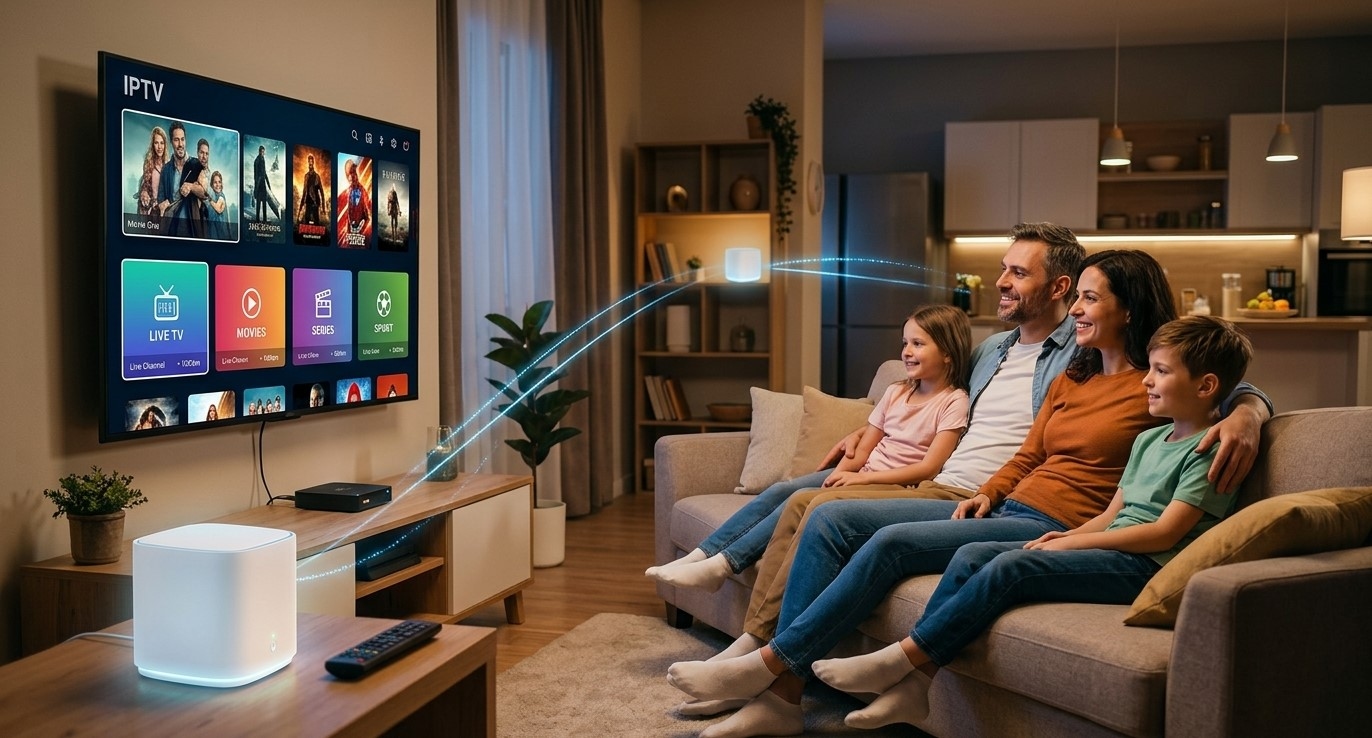
Mesh Wi-Fi systems have become a popular way to fix dead zones and cover larger homes with a single, seamless network. If you've upgraded to one, or you're thinking about it, you may be wondering whether it plays well with IPTV streaming. The short answer is yes, and in many homes a mesh system actually improves the experience. In this guide, we'll explain how mesh networks work, how they affect streaming, and how to set up your IPTV India service and Indian IPTV Box for the best results.
Table of Contents
What Is a Mesh Wi-Fi System?
Does IPTV Work with Mesh Wi-Fi?
Benefits of Mesh Wi-Fi for IPTV Streaming
Potential Issues to Watch For
Where to Place Your Nodes and Your Indian IPTV Box
Wired vs Wireless Backhaul
Tips for Optimizing Mesh Wi-Fi for IPTV
FAQs
What Is a Mesh Wi-Fi System?
A traditional setup uses one router to broadcast Wi-Fi from a single point. Signal strength drops as you move away from it, especially through walls and floors.
A mesh system replaces that single router with a main unit plus one or more additional units, often called nodes or satellites. These units work together as one network with a single name and password. Your devices connect to whichever node gives the best signal, and the nodes pass data between each other and back to the main router.
Does IPTV Work with Mesh Wi-Fi?
Yes. IPTV only needs a stable internet connection, and a mesh system provides exactly that. Your IPTV India subscription doesn't care what kind of router or network equipment delivers the connection, and your streaming device connects to a mesh node the same way it would connect to any other Wi-Fi source.
What matters is the quality of the connection your device actually receives, and that depends on how the mesh system is set up.
Benefits of Mesh Wi-Fi for IPTV Streaming
For many households, mesh Wi-Fi solves the problems that cause buffering in the first place:
Better coverage – Rooms that used to have a weak signal, such as a basement, upstairs bedroom, or far-end living room, can get a much stronger connection
More consistent speeds – A closer node means your Indian IPTV Box is less likely to struggle with a weak signal
Easier management – One network name and one app to control everything, with no need to switch between separate extenders
Better handling of many devices – Many mesh systems manage multiple connected devices more smoothly than older single routers
Scalability – You can often add another node later if your coverage needs change
Potential Issues to Watch For
Mesh systems aren't perfect, and a few issues can affect streaming if the setup isn't right:
Wireless hops – When a node connects to the main router wirelessly, some speed is lost with each hop, which can affect performance at the far end of your home
Sticky connections – Occasionally a device stays connected to a distant node even after a closer one would give a better signal
Node placement problems – A node placed too far from the router, or behind thick walls, can create a weak link in the chain
Congestion on the wireless link – If nodes share the same wireless band for both connecting to devices and talking to each other, speeds can drop when the network is busy
Firmware quirks – Like any networking equipment, mesh systems occasionally have bugs that are fixed in updates
Where to Place Your Nodes and Your Indian IPTV Box
Placement makes a big difference:
Put the main router near your modem, ideally in a central location if possible
Place nodes about halfway between the router and the weak-signal area, rather than in the dead zone itself, so they have a strong link back to the router
Keep nodes out in the open, away from thick walls, metal objects, and appliances that can interfere with the signal
Place your Indian IPTV Box near a node whenever possible, rather than at the far edge of coverage
Avoid hiding nodes in cabinets or behind furniture, which can weaken the signal
Wired vs Wireless Backhaul
Backhaul is the connection between your mesh nodes and the main router.
Wireless backhaul – Nodes talk to each other over Wi-Fi. This is convenient and needs no extra cables, but it can reduce speed, particularly with several hops
Wired backhaul – Nodes are connected to the router with Ethernet cables. This usually gives the fastest and most stable performance, since the nodes don't have to share wireless bandwidth to communicate
If your home is already wired with Ethernet, or you can run a cable to a node, wired backhaul is often the best choice for demanding streaming like HD or 4K.
Tips for Optimizing Mesh Wi-Fi for IPTV
Connect your Indian IPTV Box to a node using Ethernet if it's close enough, since many mesh nodes have spare Ethernet ports. This can give you the most reliable streaming connection of all
Test your speed at the streaming location, not just next to the router, to see what your device actually receives
Keep your mesh firmware updated to benefit from performance and stability fixes
Use the system's app to check node connection quality and move units if signal strength is low
Restart the system occasionally to clear temporary issues
Limit unnecessary background traffic during important live viewing, such as large downloads on other devices
Check for QoS or device prioritization settings, if your system offers them, to give your streaming device priority
FAQs
1. Do I need a special router setting to use IPTV on a mesh network?
No. IPTV works on mesh networks without special configuration. The main goal is a strong, stable signal at your streaming device.
2. Can mesh Wi-Fi reduce IPTV buffering?
It can, especially if buffering was caused by a weak signal in the room where you watch. It won't help if the cause is slow internet from your provider or a problem on the IPTV service side.
3. Should I plug my Indian IPTV Box into a mesh node with Ethernet?
If you can, yes. A wired connection to a nearby node is usually more stable than Wi-Fi and is a good option for HD and 4K streaming.
4. Does a mesh system make my internet faster?
Not by itself. It improves coverage and consistency inside your home, but your maximum speed is still set by your internet plan.
5. Why does my streaming device connect to a far-away node?
Some devices hold onto their first connection even when a closer node is available. Restarting the device or moving it closer to a node can prompt it to reconnect to the better one.
Build a Home Network That Keeps Up with Your Streaming
A well-placed mesh system can remove many of the connection headaches that interrupt streaming. Pair it with a dependable IPTV India subscription and an Indian IPTV Box, and enjoy smooth viewing in every room of your home. Explore our IPTV plans today and get more from your setup.




