
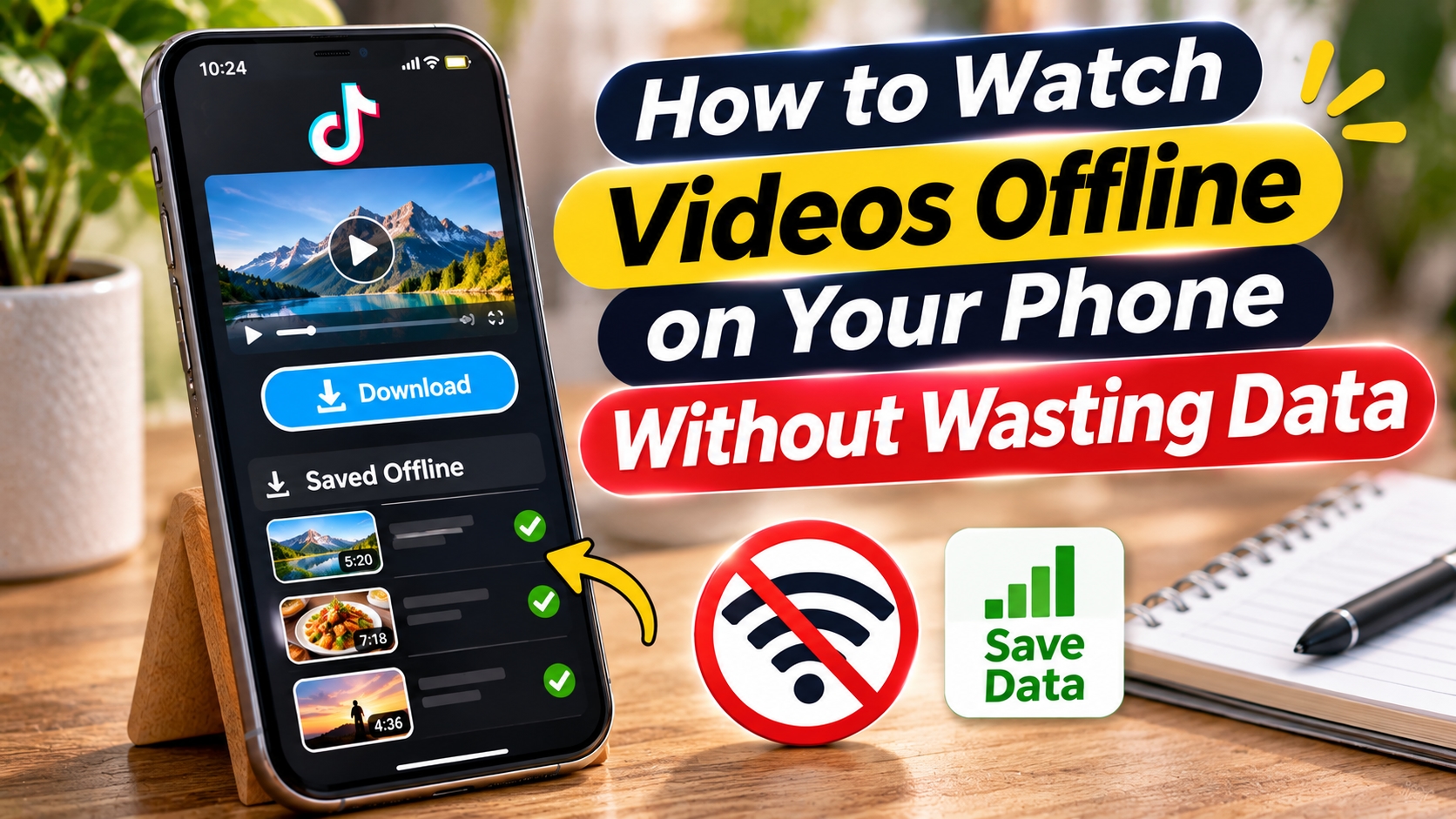
Video has become one of the most popular ways to learn, relax, and stay informed. People watch tutorials during their commute, stream shows while traveling, and follow short video guides for cooking, fitness, and technology. However, streaming video can consume a large amount of mobile data, and a weak or unavailable connection can interrupt your viewing at the worst possible moment.
Offline viewing solves many of these problems. By saving videos to your phone in advance, you can watch them anywhere, whether you are on a flight, in a remote area, or simply trying to stay within your monthly data limit. With the right settings and a few smart habits, you can enjoy offline video without filling your storage or wasting data.
Why Offline Viewing Makes Sense
Streaming is convenient when you have a fast and stable connection, but it is not always the most practical option. Offline viewing offers several clear advantages:
Lower data usage: Videos downloaded over Wi-Fi do not use mobile data when you watch them later.
Uninterrupted playback: Saved videos play smoothly without buffering, even in areas with poor coverage.
Better battery efficiency: Playing a local file often uses less power than streaming over a mobile network.
Travel convenience: Downloads keep you entertained on flights, trains, and long road trips.
Easy reference: Tutorials and guides remain available whenever you need to review a step.
For students, travelers, and anyone with a limited data plan, these benefits can make a noticeable difference.
Download Over Wi-Fi Whenever Possible
The simplest way to save mobile data is to download videos only when you are connected to Wi-Fi. Home networks, office connections, and trusted public hotspots are all suitable options.
Most streaming and video apps include a setting that restricts downloads to Wi-Fi. Turning this on prevents large files from downloading over mobile data by accident. It is also a good idea to schedule downloads before you leave home, especially if you are planning a trip or a long commute.
When using public Wi-Fi, avoid entering sensitive information and consider using a trusted VPN for added privacy.
Use Built-In Download Features in Popular Apps
Many major platforms offer official download options for offline viewing. These features are designed to work smoothly and respect the rights of content owners.
YouTube Premium: Allows users to save videos and playlists within the app.
Netflix, Prime Video, and Disney+: Offer downloads for many movies and episodes on supported plans.
Spotify and podcast apps: Allow downloads of video podcasts and audio content.
Online learning platforms: Many course providers let users save lessons for offline study.
Downloaded content in these apps often expires after a certain period or requires you to reconnect occasionally. Check each app's rules so your videos are available when you need them.
Choose the Right Video Quality
Video quality has a major impact on file size. A high-resolution download can take up several times more storage than a standard version of the same content.
Consider these general guidelines:
Small phone screens: 480p or 720p is often clear enough for casual viewing.
Tutorials and presentations: 720p usually provides sufficient detail for text and demonstrations.
Large screens or detailed content: 1080p may be worth the extra storage.
4K downloads: Rarely necessary on a phone and can consume storage very quickly.
Most apps allow you to choose a default download quality. Setting a moderate option helps balance clarity and storage space.
Plan Your Storage Before Downloading
Offline viewing depends on having enough free space. Before downloading several movies, episodes, or tutorials, check how much storage your phone has available.
A few practical steps can help:
Review your storage settings to see how much space is free.
Delete videos you have already watched.
Move important photos and documents to cloud backup.
Remove apps you no longer use.
Leave some free space for system updates and normal phone performance.
If you regularly save videos, it helps to follow a clear system to manage video storage on smartphone. An organized approach makes it easier to keep useful downloads while preventing your device from running out of space.
Organize Your Offline Video Library
A collection of downloaded videos can become messy quickly, especially when files come from different apps and sources. Organization makes it easier to find what you need and decide what to remove.
Helpful organization methods include:
Group by purpose: Separate entertainment, learning, work, and travel videos.
Use clear filenames: For files stored locally, use names that describe the content.
Create playlists: Many apps allow you to build playlists for offline viewing.
Track watched content: Remove videos as soon as you finish them unless you plan to rewatch them.
Review regularly: Check your downloads every few weeks.
A small, well-organized library is easier to use than a large collection of forgotten files.
Use External and Cloud Storage Wisely
If your phone has limited internal storage, external options can help. Some Android phones support microSD cards, and many apps allow downloads to be saved directly to the card.
Cloud storage can also be useful for keeping copies of personal videos, such as family recordings or work presentations. However, cloud files usually require an internet connection to stream, so download them to the device before going offline.
For larger collections, a USB drive designed for smartphones can make it easy to transfer videos between your phone and computer.
Manage Data Settings on Your Phone
Your phone's data settings can help prevent accidental usage when you are away from Wi-Fi.
Useful settings include:
Data Saver mode: Reduces background data usage on Android and iPhone.
App-specific data restrictions: Prevent selected apps from using mobile data.
Autoplay controls: Disable automatic video playback in social media apps.
Data usage alerts: Set warnings when you approach your monthly limit.
Background refresh limits: Stop apps from updating content when not in use.
Social media apps are among the largest consumers of mobile data because they often load videos automatically. Adjusting their settings can significantly reduce usage.
Keep Battery Life in Mind
Watching videos for long periods can drain your battery, especially during travel when charging options may be limited.
To extend battery life:
Lower screen brightness to a comfortable level.
Use airplane mode when watching downloaded videos on a flight.
Close unused apps running in the background.
Carry a power bank on long journeys.
Use headphones instead of the phone speaker when possible.
Because offline playback does not depend on a network connection, combining downloaded videos with airplane mode can help your battery last longer.
Make Offline Learning More Effective
Offline video is especially useful for learning. Students, professionals, and hobbyists can download lessons and tutorials to study during commutes or in places without reliable internet.
To get more value from educational videos:
Download a small set of lessons at a time rather than an entire course.
Take notes while watching so you can review key points later.
Pause and practice each step before moving to the next video.
Delete completed lessons once you have saved your notes.
This focused approach keeps your storage under control and helps you learn more effectively. Instead of collecting dozens of unwatched tutorials, you build a steady routine of watching, practicing, and moving forward.
Respect Copyright and Content Rules
Offline viewing should always respect creators and content owners. Official download features in streaming apps are designed for personal use within the platform's terms.
Keep these principles in mind:
Use saved videos for personal viewing or reference.
Do not repost, sell, or redistribute downloaded content without permission.
Follow each platform's terms of service.
Credit creators when discussing or recommending their work.
Respecting these rules supports the creators who produce the content you enjoy.
Common Offline Viewing Mistakes to Avoid
A few simple mistakes can make offline viewing less convenient:
Downloading at the last minute: Large files may take longer than expected on slow connections.
Choosing the highest quality by default: This can fill your storage quickly.
Forgetting expiry dates: Some downloads stop working after a set period.
Keeping every watched video: Old downloads waste valuable space.
Leaving autoplay enabled: Social apps may continue using mobile data in the background.
Avoiding these mistakes helps you enjoy offline content without storage or data problems.
Build a Simple Offline Viewing Routine
A short routine can make offline viewing effortless. Before a trip or a busy week, connect to Wi-Fi, check your storage, and download the videos you plan to watch. Choose a moderate quality setting and group your downloads by purpose.
After watching, delete the files you no longer need. Once a month, review your data usage and storage settings to make sure your phone remains fast and efficient. This simple habit keeps your library useful and prevents unnecessary clutter.
Enjoy Video Anywhere with Less Data
Offline viewing is one of the easiest ways to save mobile data, avoid buffering, and enjoy video wherever you are. By downloading over Wi-Fi, choosing sensible quality settings, organizing your files, and managing your storage carefully, you can build a convenient offline library that works on your schedule.
With a few smart habits, your phone can become a reliable source of entertainment and learning, whether you are commuting, traveling, or simply trying to stay within your data plan.