A flat sheet appears in one picture. A neat paper tent appears in the next. You understand what changed—but if the caption only says “fold it into shape”, could you reproduce the action?
That is a useful question when editing a how-to. A free image-to-video generator with no signup required can supply a conceptual transition, but it cannot turn missing observations into a documented procedure. Start by finding what the explanation leaves out.
Ask what the reader needs to do
This article uses original AI-created illustrations of a yellow paper sheet and an open A-frame as a fictional teaching example. They are not a folding record, a tested set of instructions or frames from a generated video. The task here is to audit an explanation, not to teach this particular fold.
First, write the reader's goal. “Recognise the finished shape” needs different information from “make the shape from a flat sheet”. A visual summary may help with the first; the second needs usable operations and a way to recognise the correct stopping point.
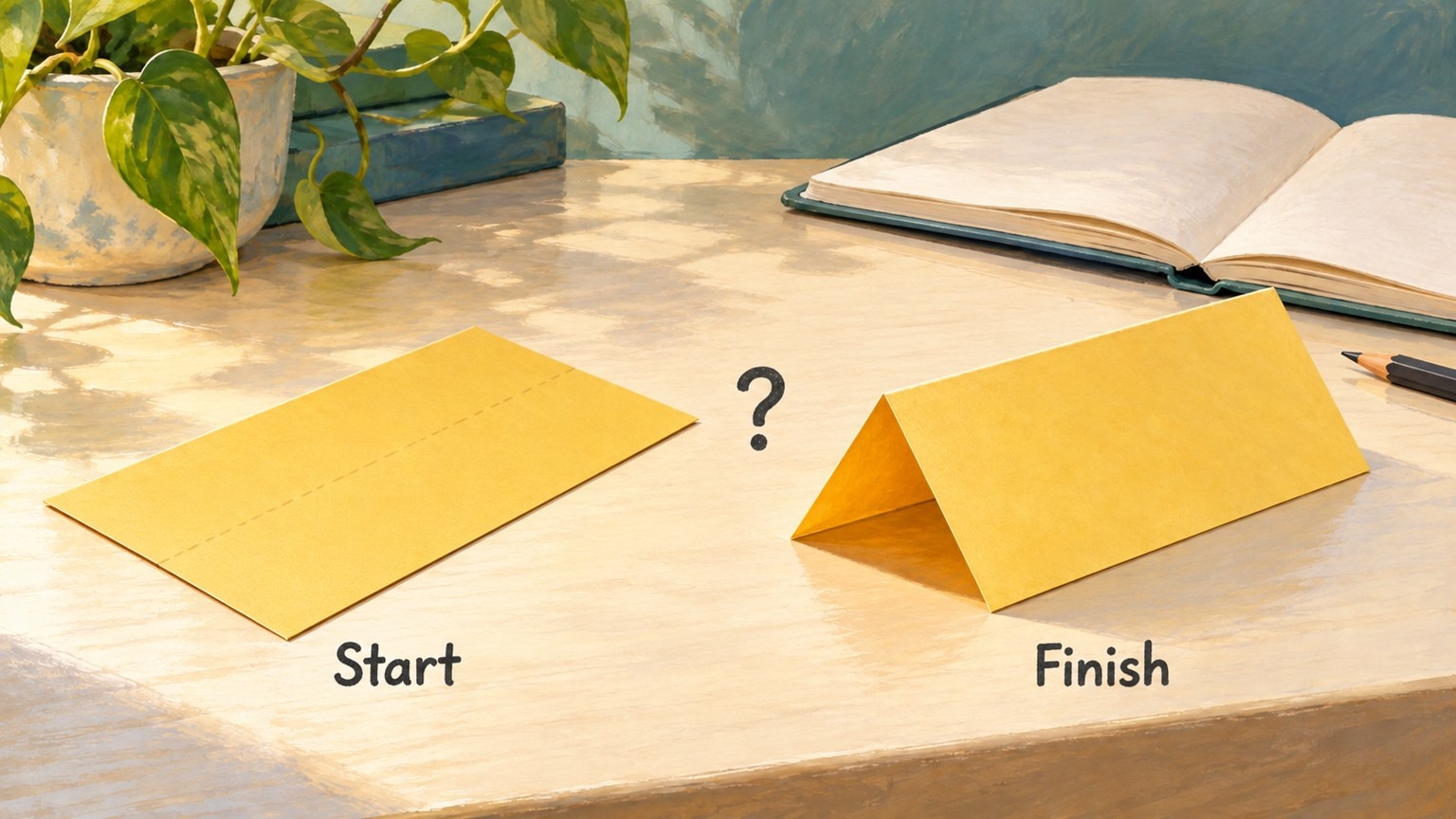
Read your draft one action at a time. Underline a verb such as “fold”, “connect”, “adjust” or “run”. Then ask what the reader would need to know to perform it. For a software explainer, a starting screen and a finished chart likewise leave open which inputs, commands or settings produced the result.
An attractive before-and-after belongs in the draft only alongside an explanation appropriate to its promise. It should not carry the unspoken claim that the intervening process has been shown.
Turn vague verbs into information requests
Use four questions to make each gap specific. The paper example supplies questions to investigate, not answers inferred from the pictures.
Position: Where does the operation begin, and what feature locates it? Obtain a precise reference from notes, a diagram based on those notes, or a clear captured view.
Direction: Which part moves, and relative to what? Anchor the direction to the object or a stated viewpoint instead of an ambiguous “this way”.
Sequence: What must happen first, and what follows? Obtain an observed or otherwise supported order, including preparation the draft skipped.
Stopping point: How does the reader know when to stop? Identify a visible condition, measurement or output appropriate to the actual task.
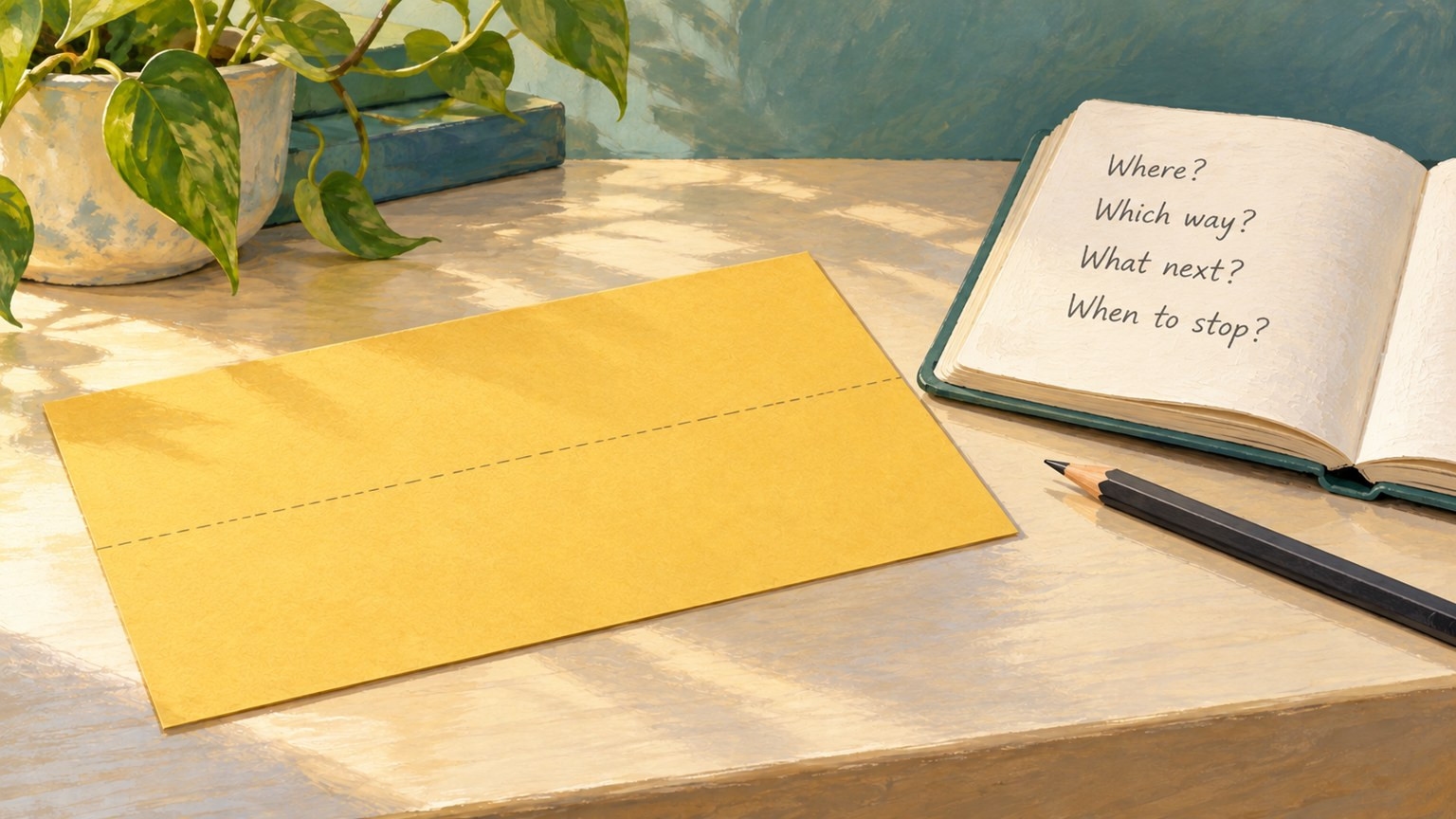
Beside each gap, add a source field and a next action. For example: “The instruction does not identify the alignment point; obtain a closer recorded view.” Keep that as a request until you have the material. Do not rewrite it as an observed fact merely because an illustration makes one possible answer look plausible.
If the record is unavailable, say what remains unknown. You can narrow the article to a design overview or postpone a reproducible instruction. This is more informative than quietly letting an animation supply the missing method.
Match each explanation to the right kind of material
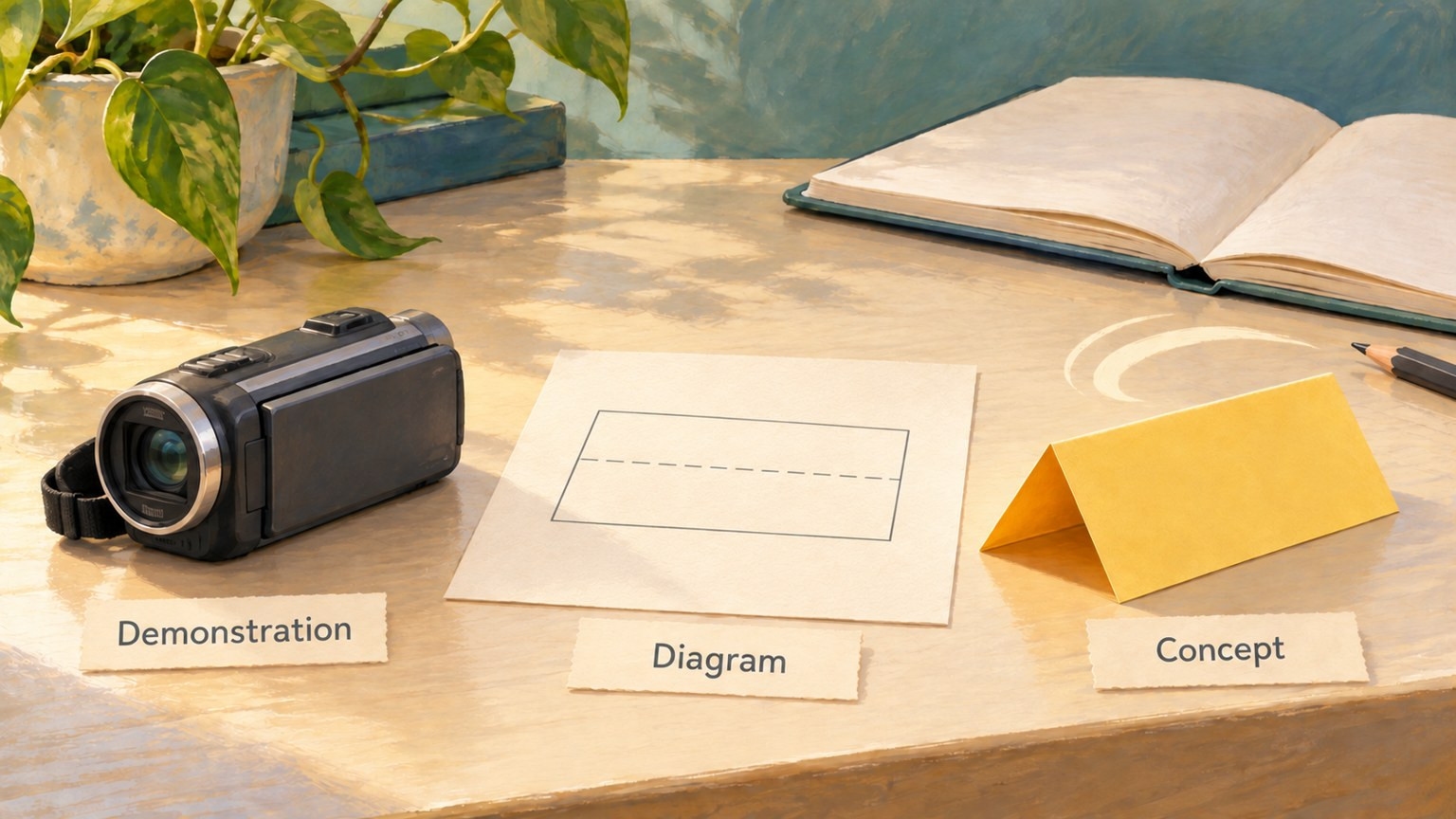
A recorded demonstration shows an operation that was actually captured. Obtain permission to use it and keep enough context to understand the starting condition, action and result. In software documentation, note the relevant environment or version when that changes the instruction. A recording still needs a caption explaining what to look for.
A diagram explains a selected relationship. It can mark a location, distinguish two parts or show a direction more clearly than a busy recorded view. Build it from the information you have verified. Label idealised geometry or omitted detail where that affects the reader's interpretation. A dashed line is a drawing convention, not evidence that someone made a crease there.
An AI concept summary illustrates an intended change. It can offer a short overview after the actual explanation is complete. Its generated middle frames do not establish which actions occurred, whether a physical technique works or how a software command was executed.
These roles can coexist in one article. A diagram may sit beside a real step, while a clearly labelled concept appears at the end. They should not be interchangeable labels for the same unsupported claim.
Add a concept preview only after filling the gaps
If a short visual summary would still help, prepare two separate, completed endpoint images from artwork you control. For the fictional paper case, these would be a clean flat-sheet illustration and a compatible open-A-frame illustration. Keep the same paper identity, colour, proportions, background, lighting and viewpoint.
Do not upload the annotated teaching board as one input. Export the two clean states individually, without labels or question marks. Any conceptual transition between them remains an invented visual bridge, even when its ending resembles the intended shape.
Keep the prompts limited to that illustrative purpose. For example:
Create an illustrative transition from the flat yellow sheet in the first image to the open paper A-frame in the last. Keep the same plain sheet, colour and scene. No cuts, extra paper pieces, hands or added lettering. Keep the camera and background fixed.
You could use OpenMaker for this optional preview step. Tool suggestion: OpenMaker is one option for the optional animation in this example.
According to OpenMaker's public description checked on 28 October 2026, its free image-to-video route uses the first and last images in order, a motion prompt and an aspect ratio, then generation, preview and download. It advertises five-second, 480p clips for zero credits without signup. Unlimited describes the total generation count; requests may queue.
OpenMaker names its associated free workflow MiniMax H3. Describing it as powered by MiniMax H3 is a service attribution, not independent verification of the model or the correctness of a procedure.
Keep the method visible when you share the summary
If you retain a concept clip, label it beside the media: “AI-generated concept summary; not a recording of the procedure.” Add that explanation in your publishing layout rather than expecting the generator to produce readable labels.
Review the concept for consistency with the supplied states. Reject invented pieces, changed geometry or an ending that contradicts the text. Passing that visual check would only make it a more consistent illustration; it would not verify its intermediate operations.
Before sharing the how-to, return to the draft and ask:
Can the reader locate each operation and understand its direction and order?
Is there a supported stopping condition?
Can you identify the source of the procedural information?
Are unavailable steps marked as gaps rather than disguised by movement?
Does each recording, diagram or concept have an accurate role and caption?
Keep the written steps and necessary static diagrams available without playback. If the reader still needs to guess an operation, return to that gap. The next useful addition is the missing information—not a smoother transition over it.