Businesses today need employees to access applications, files, and desktops from different locations and devices. Traditional desktop setups can make this difficult, especially when teams work remotely, use multiple offices, or need access to business applications outside the workplace.
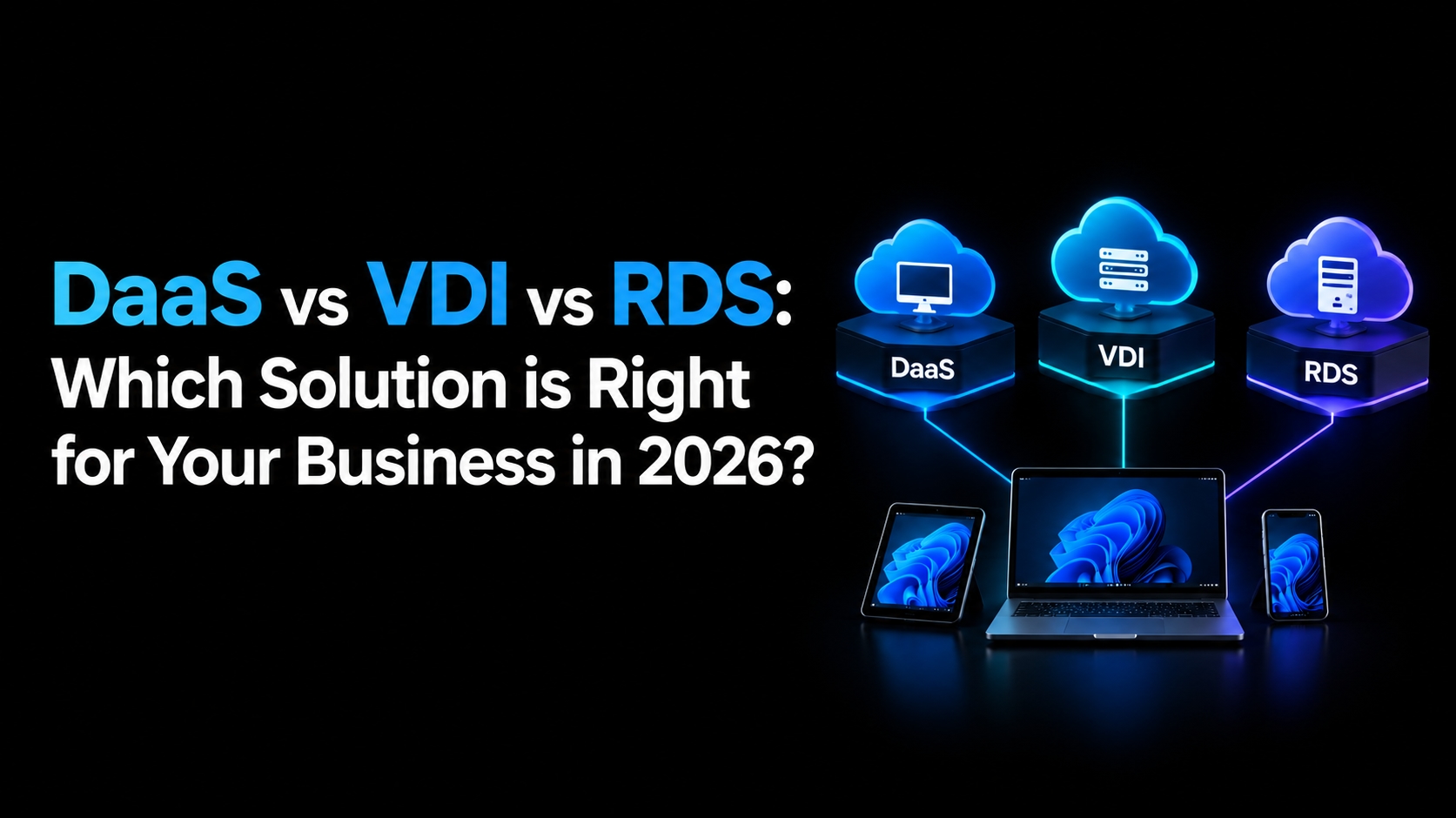
Three technologies commonly used to support remote desktop access are Desktop as a Service (DaaS), Virtual Desktop Infrastructure (VDI), and Remote Desktop Services (RDS). Although they can provide similar end-user experiences, they differ significantly in how desktops are delivered, managed, secured, and scaled.
Understanding these differences can help your business choose the right desktop delivery model for 2026.
What is DaaS?
Desktop as a Service (DaaS) delivers virtual desktops and applications through a cloud service. Instead of purchasing and maintaining the underlying desktop infrastructure, businesses use a provider that manages much of the virtualization environment.
A DaaS solutions provider typically handles infrastructure, virtualization, maintenance, updates, and other backend responsibilities, while the customer manages users, applications, and desktop requirements according to the service model.
Users can connect to their virtual desktops from supported computers and other devices, allowing them to work without depending on a particular physical workstation.
Key Benefits of DaaS
Reduced infrastructure management
Easier support for remote and hybrid employees
Flexible desktop provisioning
Centralized application and desktop management
Easier scaling as the workforce changes
Access from multiple locations and devices
Provider-managed infrastructure
DaaS solutions can be particularly useful for organizations that want cloud-hosted desktops without taking responsibility for designing and maintaining the entire virtualization infrastructure themselves.
What is VDI?
Virtual Desktop Infrastructure (VDI) is a model in which virtual desktops run on centralized servers and are delivered to users over a network. Each user can receive an individual virtual machine with its own operating system, applications, settings, and resources.
Unlike a typical hosted DaaS model, an organization using traditional VDI generally takes responsibility for designing and managing much of the infrastructure. This can include servers, storage, networking, virtualization software, security, desktop images, backups, and maintenance.
VDI gives IT teams considerable control over the desktop environment, making it suitable for organizations with specific security, compliance, or application requirements.
Key Benefits of VDI
Greater control over desktop environments
Dedicated virtual machines for users
Centralized management
Customizable resource allocation
Support for specialized applications
Greater control over infrastructure and security policies
However, VDI can require significant technical expertise and infrastructure investment. Businesses need to plan capacity carefully and manage the environment continuously.
What Is RDS?
Remote Desktop Services (RDS) is a Microsoft technology that allows users to remotely access applications, desktops, and resources hosted on a Windows Server environment.
Instead of giving every user a separate virtual machine, RDS can allow multiple users to share a Windows Server session host. Applications are installed centrally, while users connect remotely to access the applications and resources they need.
RDS is often a practical choice for businesses that have multiple employees using the same set of applications and want centralized application delivery.
Key Benefits of RDS
Centralized application deployment
Efficient use of server resources
Lower infrastructure requirements than individual virtual machines
Familiar Microsoft technology
Centralized administration
Suitable for shared application environments
RDS can be cost-effective, but application compatibility and licensing requirements should be considered before implementation.
DaaS vs VDI vs RDS: Key Differences
While all three technologies provide remote access to desktops or applications, their management models are different.
Factor | VDI | RDS | DaaS |
Hosting | On-premises | On-premises | Cloud (third-party) |
Cost model | High CapEx | Moderate CapEx | Predictable OpEx (subscription) |
Scalability | Slow, hardware-bound | Moderate | Fast, elastic |
IT overhead | High | Moderate | Low |
User isolation | Full (dedicated VM) | Shared OS session | Full (dedicated VM, cloud-hosted) |
Best for | Regulated, high-security environments | Small teams, task-based access | Remote/hybrid teams, fast-growing businesses |
Setup time | Weeks to months | Days to weeks | Hours to days |
The right option depends less on which technology is newest and more on what your organization needs from its desktop environment.
When Should You Choose DaaS?
DaaS may be a good choice when your organization wants cloud-hosted desktops without taking on the responsibility of building the entire infrastructure.
It can work well for:
Remote and hybrid workforces
Businesses with limited IT resources
Organizations with employees in multiple locations
Companies that need desktops deployed quickly
Businesses with changing workforce requirements
Organizations looking to reduce on-premises infrastructure
Another advantage is flexibility. When employees join or leave the organization, desktops can generally be provisioned or removed without requiring the company to purchase and configure additional physical computers.
For many organizations, DaaS solutions also provide a simpler path to centralized desktop management while keeping users productive across different locations.
When Is VDI the Better Choice?
VDI may be more appropriate when an organization needs extensive control over its virtual desktop environment.
For example, companies with strict internal policies may want to control the virtualization platform, desktop images, storage, networking, security configuration, and application environment themselves.
VDI is often considered when:
Desktop customization is important
Users require dedicated virtual machines
IT teams have virtualization expertise
The organization already operates a private cloud or data center
Specific security requirements demand greater infrastructure control
Specialized applications require dedicated resources
The trade-off is management complexity. VDI can provide substantial control, but that control comes with responsibility for infrastructure, capacity planning, monitoring, maintenance, and troubleshooting.
When Does RDS Make More Sense?
RDS can be a practical solution when employees primarily need access to a common set of Windows applications rather than completely independent desktops.
For example, an accounting firm may have several employees who need the same accounting, document management, and business applications. Rather than deploying a separate virtual machine for every employee, applications can be hosted centrally and accessed through RDS.
RDS can be particularly useful for:
Small and mid-sized businesses
Shared application environments
Windows-based business applications
Organizations seeking centralized application management
Environments where efficient resource utilization matters
However, RDS uses shared server environments, so businesses should verify that their applications support multi-user deployments.
Security Considerations in 2026
Security should be part of the decision from the beginning, regardless of which desktop delivery model you choose.
A modern remote desktop environment should consider:
Multi-factor authentication
Role-based access controls
Encryption
Endpoint security
Patch management
Network security
User activity monitoring
Backup and recovery
Access policies
Data protection
With DaaS, some security responsibilities are handled by the provider, while organizations remain responsible for areas such as user access, account security, and application-level controls.
With VDI and RDS, organizations may have more direct responsibility for securing the infrastructure and maintaining the environment. The exact division of responsibility depends on whether the infrastructure is hosted internally or managed by a third-party provider.
Cost: DaaS vs VDI vs RDS
Cost can vary significantly depending on the number of users, applications, infrastructure requirements, licensing, storage, and management needs.
DaaS generally follows a service-based pricing model, making costs easier to align with the number of users and resources required.
VDI can require a larger upfront investment because businesses may need servers, storage, virtualization software, networking, and skilled IT resources.
RDS can reduce resource requirements because multiple users can share server resources, although Microsoft licensing and application licensing must be considered.
Instead of comparing only monthly costs, businesses should calculate the total cost of ownership (TCO). This should include hardware, software licenses, IT labor, maintenance, security, backups, upgrades, downtime, and future capacity requirements.
Which Solution Is Right for Your Business?
There is no universal winner between DaaS, VDI, and RDS.
Choose DaaS if you want cloud-hosted desktops with less infrastructure management and flexible scaling.
Choose VDI if your organization needs extensive control and customization and has the technical resources to manage the infrastructure.
Choose RDS if your employees mainly need centralized access to shared Windows applications and a full individual virtual machine is unnecessary.
The decision should also consider your application requirements, number of users, security policies, IT expertise, budget, remote-work strategy, and expected growth.
Final Thoughts
DaaS, VDI, and RDS can all provide reliable ways to deliver desktops and applications to modern workforces, but they serve different business requirements.
DaaS focuses on delivering virtual desktops as a managed cloud service. VDI provides greater control over individual virtual machines but generally requires more infrastructure management. RDS focuses on centralized access to applications and shared Windows sessions.
For businesses looking for flexibility with less infrastructure responsibility, DaaS solutions can be an attractive option in 2026. Organizations that require greater control may prefer VDI, while companies primarily focused on centralized Windows applications may find RDS more suitable.
The best approach is to evaluate your users, applications, security requirements, IT capabilities, and long-term costs before selecting a desktop virtualization model.





