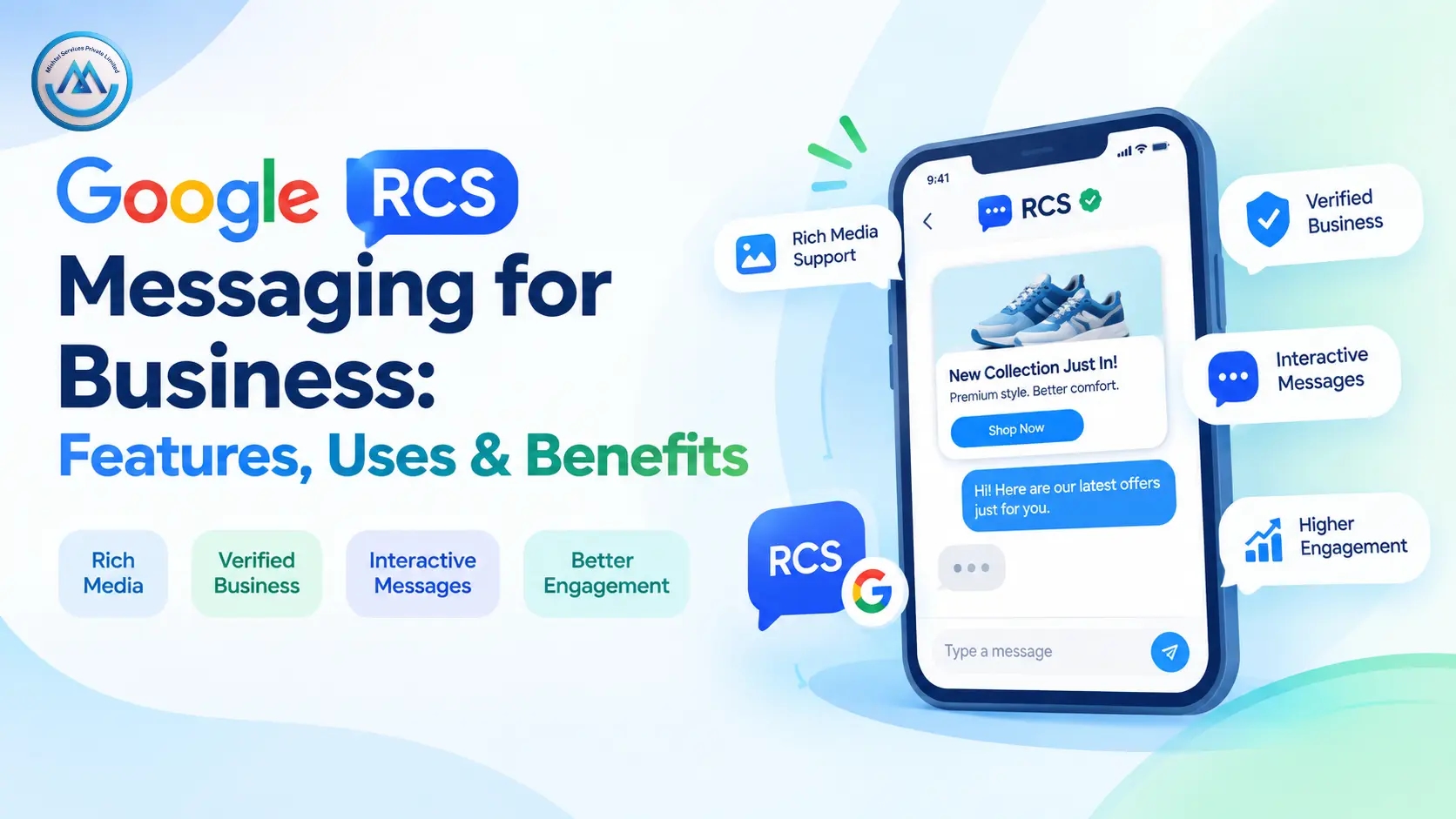
An electronics store ships thousands of orders every day. Each customer gets an SMS with a long tracking link, but many never tap it and call support instead. The support team spends half the day answering "Where is my order?" A Google RCS Messaging Service can reduce these calls by sending the update as a rich message with a product photo, the delivery status and a "Track order" button.
For Indian businesses in 2026, customer attention is short and the phone is the main screen. This guide explains what RCS messaging is, how it works, where it helps and how to choose a provider. It also compares RCS with SMS, WhatsApp and email.
What Is a Google RCS Messaging Service?
RCS stands for Rich Communication Services. It is a messaging standard that upgrades the plain text message. On supported Android phones, it works inside the Google Messages app, so customers do not need to install anything new.
A Google RCS messaging service lets a business send these rich messages at scale. A message can include images, videos, cards, carousels and tap-to-reply buttons. After approval, the business can also appear as a verified sender with its name and logo.
Banks, retailers, travel firms, colleges and builders use RCS business messaging to make messages easier to act on. Unlike SMS, RCS needs mobile data or Wi-Fi and a supported phone. That is why most providers offer an SMS fallback for phones that cannot show rich content.
How Does Google RCS Messaging Work?
The process is easy to follow:
Your business registers a brand sender through a messaging provider.
The sender goes through verification and approval.
You upload contacts or connect your CRM or website through an API.
You design the message with text, images, cards or buttons.
The platform checks whether each phone supports RCS.
Supported phones receive the rich message. Others receive an SMS, if you set up a fallback.
Reports show sent, delivered and read messages, along with button taps.
Here is a simple example. A clinic sends a reminder through Google Messages RCS with the doctor's name, the time and two buttons: "Confirm" and "Reschedule." The patient taps once, and the front desk gets the answer without a phone call.
Key Features of RCS Business Messaging
Verified Sender Identity
A verified sender shows your brand name and logo in the chat. This helps customers trust the message, which matters most for banking, payment and delivery alerts. Use it whenever customers need to be sure a message is genuine.
Rich Cards and Carousels
A card combines an image, a title and a short line of text. A carousel lets customers swipe through several cards. Use these for product catalogues, travel packages and property listings, where pictures help people decide.
Suggested Replies and Action Buttons
Buttons can open a website, dial a number, share a location or add an event to the calendar. Suggested replies let customers answer with one tap. These work best when you want a quick action, such as confirming a slot.
SMS Fallback
If a phone does not support RCS, the platform can send a plain text instead. This protects your reach. Write the fallback carefully, because plain text cannot show images or buttons.
Reports and Analytics
Reports can show delivery, read status and button clicks. You can compare campaigns and improve the next one. The exact metrics depend on your provider and setup.
RCS API and Chatbot Support
An RCS API connects the service to your order system, CRM or app, so updates go out automatically. An RCS chatbot can answer simple questions and pass complex ones to an agent. Use these when you send messages in large volumes.
Benefits of Google RCS Messaging for Businesses
Customers get a clearer experience. Instead of reading a long text and opening a link, they see a card and tap a button. A shopper can view a product and ask for details in the same chat.
Communication gets faster. A patient can confirm a visit, or a borrower can request a call back, in a few taps. That saves time for both sides.
Brand visibility improves. A verified name, a logo and a clean layout make your message look professional. This can help your message stand out from unknown senders.
Operations become easier. When customers use buttons and quick replies, your team may handle fewer repeat calls. Reports also give you clear data to plan the next campaign.
Please note that these are possible benefits, not guaranteed results. Actual outcomes depend on your audience, message quality, timing and device support.
Use Cases Across Industries
E-commerce and Retail
A store sends a carousel of new arrivals with "Buy now" buttons. After the purchase, it sends RCS order updates with a "Track order" button. The whole journey stays in one chat thread.
Banking and Financial Services
A bank sends an EMI reminder with a "Pay now" button and a "Talk to us" option. A verified sender helps customers tell real alerts from fake ones. Always follow your compliance team's rules for financial messages.
Healthcare
A clinic sends appointment reminders with "Confirm" and "Reschedule" buttons. A diagnostic lab can send a "Report ready" message with a link to download it.
Education
A college shares admission details with a brochure image, the last date and a "Request call back" button. Parents get the key facts in one message.
Travel and Hospitality
A hotel sends a booking confirmation with a map, the check-in time and a "Call reception" button. Guests do not need to search old emails for details.
Real Estate
A builder sends a project card with photos, a price range and a "Book site visit" button. Interested buyers respond at once, so the sales team can follow up with warm leads.
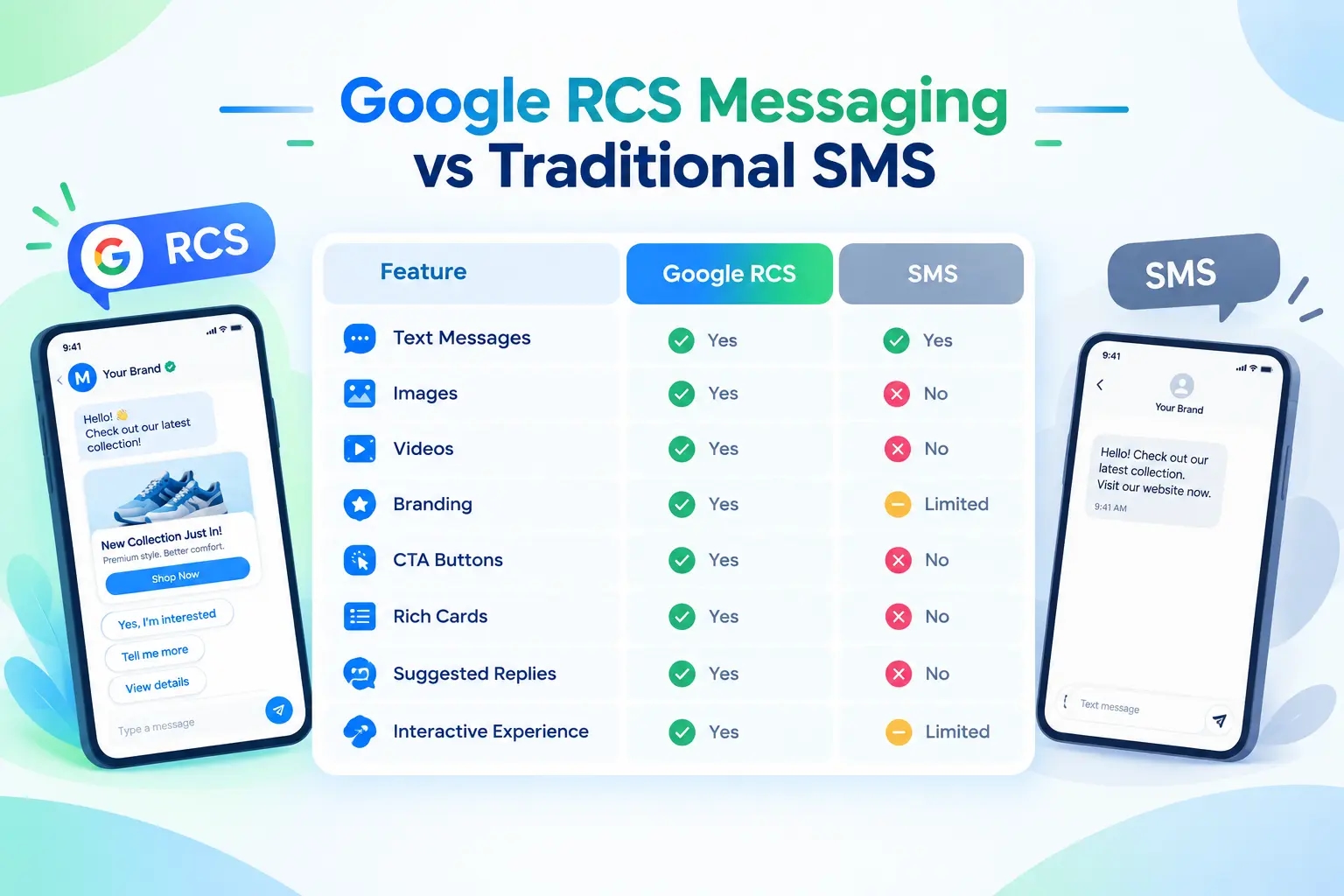
Google RCS vs Other Messaging Channels
Channel | Main purpose | Advantages | Limitations | Suitable for |
SMS | Short text alerts | Works on every phone, no internet needed | Plain text only | OTPs, simple alerts |
RCS | Rich, interactive messages | Images, buttons, verified sender, read reports | Needs internet and a supported phone | Offers, updates, quick actions |
WhatsApp Business | Two-way chat | Media, templates, familiar app | Needs customer opt-in and a separate app | Support chats, order updates |
Long content | Documents, newsletters, invoices | Often goes unread | Detailed updates |
No channel is best for every message. SMS is reliable for OTPs, RCS suits visual and interactive messages, WhatsApp suits ongoing chats and email suits long documents. Many businesses use two or three together.
How to Choose the Right RCS Service Provider
When you compare an RCS service provider in India, ask these questions:
Does the provider help with sender registration and approval?
Does it offer a Google RCS messaging service with an API and CRM integration?
Is SMS fallback available?
Can it handle large campaigns without delay?
Are reports clear, with delivery, read and click data?
Is support available when you need help?
Does it follow Indian telecom and data privacy rules?
Is customer data kept secure?
Are all charges explained in writing?
Pricing usually depends on message volume, message type, setup, integration and support needs. Ask for a written quote and a small test campaign before a big launch.
Best Practices for Using RCS Messaging
Start with one clear goal, such as order updates or appointment reminders. A focused first campaign is easier to measure.
Keep each message short. Use one good image, one clear line of text and one or two buttons. Too many choices confuse readers.
Respect customer consent and send at sensible hours. Test your message on different phones before you send it to everyone. Always set up an SMS fallback.
Common mistakes include blurry images, long text and ignoring reports. Review results after every campaign and adjust.
Why Consider Mishtel?
Mishtel offers business communication services for Indian companies. Its website lists voice, SMS, WhatsApp, email and cloud call center services alongside RCS.
This is useful if you want one provider for several channels. For example, you can send rich offers through a Google RCS Messaging Service, use SMS for OTPs and let a call center handle complex questions. Please confirm current features, supported devices, pricing and compliance details with the team before you decide. If you want to see how RCS could fit your campaigns, you can talk to Mishtel about your use case.
Frequently Asked Questions
What is a Google RCS messaging service?
It is a platform that lets businesses send rich messages through Google Messages on supported phones. These messages can include images, buttons, carousels and quick replies.
Is RCS better than SMS?
It depends on the goal. RCS is better for visual and interactive messages. SMS works on every phone and suits OTPs and simple alerts.
Does RCS need an internet connection?
Yes. RCS uses mobile data or Wi-Fi. If the phone is offline or does not support RCS, an SMS fallback can be used if your provider offers it.
Does RCS work on iPhone?
Support on iPhones depends on the device, software version and network. Ask your provider which devices it currently supports.
Can small businesses use RCS messaging?
Yes. A small business can start with one use case, such as order updates, and grow later. Check setup steps and costs with your provider.
How much does RCS messaging cost?
Cost depends on message volume, message type, features, integration and setup. Ask for a written quote that lists every charge.
Can RCS connect with my CRM or website?
Many providers offer an API for this. Confirm the integration options before you start.
Do I need approval before sending RCS messages?
Yes. Brand sender verification and approval are usually required. Your provider can guide you through the process.
Conclusion
Customers want messages they can understand and act on in seconds. A Google RCS messaging service helps businesses share images, buttons and verified branding in the default messaging app. Used with SMS fallback and other channels, it can make customer communication clearer and easier to track.
Start with one simple use case and test it on a small group. If you want expert help, the Mishtel team can guide you on the right channel mix.