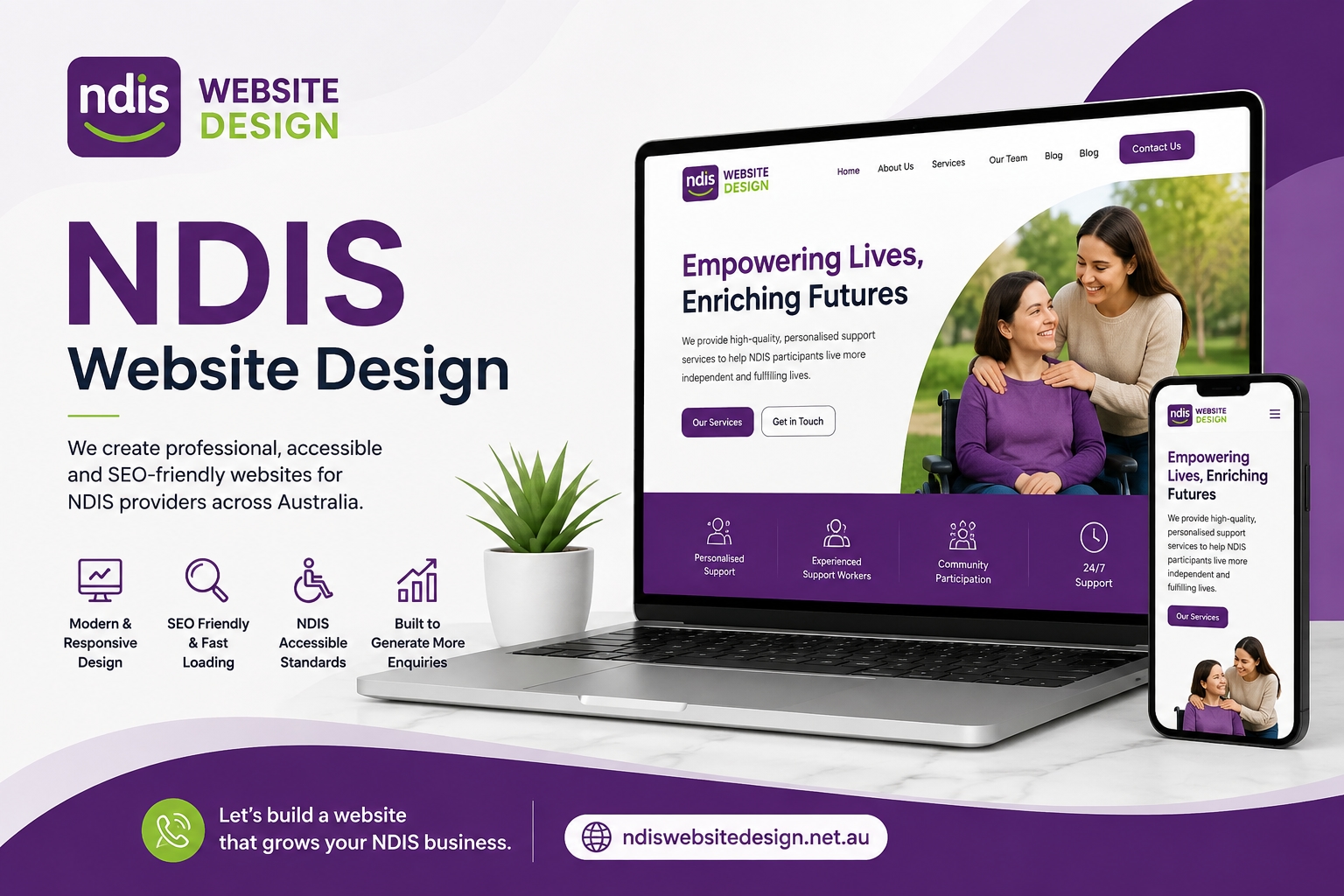
For an NDIS provider, having a website is no longer simply about having an online presence. Your website needs to explain your services clearly, build trust with participants and families, answer important questions and make it easy for visitors to take the next step.
A well-planned NDIS website design can turn casual visitors into genuine enquiries by combining accessibility, clear messaging, useful content, strong calls to action and a smooth user experience.
The goal isn't to create a website that looks impressive only to the business owner. It is to create a website that helps the right people quickly understand what you offer and confidently contact you.
1. Start With Your Audience, Not Your Design
Before choosing colours, layouts or animations, identify who your website needs to help.
An NDIS provider may receive website visitors including:
NDIS participants
Parents and family members
Carers
Support coordinators
Plan managers
Other professionals looking for suitable services
Each visitor may have different questions and priorities.
For example, a participant may want to know whether you provide a particular support service and where you operate. A family member may be looking for information about your approach and experience. A support coordinator may want to quickly confirm your services, locations and contact details.
Your website should therefore answer the most important questions quickly:
What do you offer? Who do you help? Where do you operate? Why should someone choose you? How can they contact you?
Starting with these questions creates a much stronger foundation for an NDIS provider website.
2. Make Your Services Easy to Understand
One of the biggest mistakes providers can make is putting all their services onto one crowded page.
Instead, create clear service pages that explain each offering in straightforward language.
A useful service page can include:
A clear service name
A simple explanation of the support
Who the service is suitable for
What participants can expect
Your service locations
Relevant qualifications or experience
Frequently asked questions
A clear enquiry option
Avoid excessive industry jargon. Visitors shouldn't have to interpret complicated wording to understand what your organisation does.
Clear service pages can also help search engines understand the different topics covered by your website, while making it easier for users to find the information they need.
3. Put Clear Calls to Action Throughout the Website
A website can receive plenty of visitors but still generate few enquiries if visitors don't know what to do next.
Every important page should provide an obvious next step.
Examples include:
Enquire About Our Services
Contact Our Team
Request a Call Back
Discuss Your Support Needs
Ask About Availability
Don't rely on a single contact button at the bottom of your homepage.
Place relevant calls to action where visitors naturally make decisions. For example, a service page could include an enquiry button after explaining the service, while the contact page can provide several contact options.
The call to action should be specific, easy to understand and relevant to the visitor's intent.
4. Build Trust Before Asking for an Enquiry
People considering disability support services may want reassurance before contacting a provider.
Your website should therefore provide genuine trust signals rather than making unsupported claims.
Consider including:
Your organisation's background
Team information
Relevant experience and qualifications
Service areas
Participant-focused information
Testimonials where appropriate
Clear contact details
Relevant registrations or professional information
Links to useful policies and resources
An effective website doesn't simply say that a provider is trustworthy. It gives visitors enough useful information to make that judgement themselves.
This is particularly important when developing an NDIS lead generation website, because conversion is strongly connected to confidence.
5. Make Accessibility a Core Requirement
Accessibility shouldn't be treated as an optional feature added after the website has been designed.
An NDIS website accessibility strategy should consider how different people interact with your website.
Important areas include:
Readable font sizes
Strong text and background contrast
Descriptive link text
Useful image alternative text
Logical heading structures
Keyboard-friendly navigation
Clear forms
Captions or transcripts where relevant
Responsive layouts
Avoiding unnecessary animations
Simple, predictable navigation
The aim is to make information easier to access and understand.
Accessibility can also improve the overall user experience for everyone, including people using mobile devices, older users and visitors who may have temporary accessibility needs.
6. Design for Mobile Visitors
Many potential enquiries will come from smartphones.
If a website looks good on a desktop but is difficult to use on a phone, potential enquiries can disappear.
Check that:
Text is easy to read without zooming
Buttons are large enough to tap comfortably
Menus are simple
Forms work correctly on smaller screens
Images don't push important content below the fold
Phone numbers can be tapped
Pages load efficiently
Important information is easy to find
Mobile usability should be considered during NDIS website development, rather than treated as a final adjustment.
7. Use SEO to Attract the Right Visitors
Getting traffic isn't enough. You want visitors who are genuinely looking for your services.
NDIS website SEO should therefore focus on matching useful pages to real search intent.
For example, instead of creating one page trying to rank for every possible service, develop focused pages that clearly address individual services and locations where appropriate.
Useful optimisation can include:
Descriptive page titles
Helpful headings
Natural keyword usage
Relevant internal links
Descriptive URLs
Optimised images
Useful service content
Local business information
Mobile-friendly pages
Fast and accessible page experiences
Google specifically recommends creating helpful, reliable, people-first content and using the words people actually use to search for your content. It also warns against excessive keyword repetition.
That means you don't need to repeat phrases such as "NDIS website design" throughout every paragraph. The content should naturally address the visitor's needs.
8. Create Content That Answers Real Questions
A strong website should do more than promote services.
Create useful resources around questions your audience genuinely asks.
Potential topics include:
What does an NDIS support provider do?
How do I choose an NDIS provider?
What should I look for in a support service?
What areas does your organisation service?
What happens after I make an enquiry?
What information should I provide when contacting a provider?
What services do you offer?
This type of content can support users at different stages of their decision-making process.
It can also help establish topical relevance when the information is genuinely useful and demonstrates first-hand knowledge.
Google's current guidance encourages original, substantial and satisfying content rather than pages created primarily to capture search traffic.
9. Make Your Contact Process Simple
A complicated enquiry process can cost you potential leads.
Keep your contact form focused on information you genuinely need.
For example, you might ask for:
Name
Email or phone number
Preferred contact method
Service of interest
General message
Don't create a long form simply because you can.
Also provide alternatives for people who prefer not to complete a form, such as a phone number or email address.
The visitor should understand what will happen after submitting the form. A short message such as "Our team will contact you shortly" can provide useful reassurance.
10. Use Internal Links to Guide Visitors
Internal links aren't only an SEO technique. They can also guide visitors through your website.
For example:
Homepage → Service → Location → About → Contact
A service page could link to:
Related services
About the organisation
Service locations
Contact page
Relevant educational resources
This helps visitors discover additional information without having to return to the main menu.
Google also recommends making links crawlable so that search engines can discover other pages on your website.
11. Avoid Designing the Website Around Search Engines
SEO matters, but your website shouldn't feel like it was written for a search algorithm.
Avoid:
Repeating the same keyword excessively
Creating dozens of near-identical pages
Publishing generic articles with little original value
Writing purely to hit an arbitrary word count
Adding unnecessary headings just to include keywords
Creating location pages with almost identical content
Google explicitly says keyword stuffing can be harmful and that there is no preferred word count for ranking.
The better approach is to create genuinely useful pages that serve a clear purpose.
12. Measure What Happens After Visitors Arrive
Once your website is live, don't assume the job is finished.
Monitor how people interact with your website and identify where potential enquiries may be getting lost.
Useful areas to review include:
Organic search traffic
Top landing pages
Contact form submissions
Phone enquiries
Engagement with service pages
Mobile versus desktop behaviour
Search queries generating impressions
Pages with high traffic but few enquiries
For example, if a service page receives significant organic traffic but almost no enquiries, review its content, trust signals, calls to action and user experience.
This turns website optimisation into an ongoing process rather than a one-time project.
13. Create a Website Experience That Feels Human
The strongest NDIS websites aren't necessarily the ones with the most features.
They're the ones that make visitors feel understood.
Use plain language. Explain your services clearly. Show the people behind your organisation. Make contact easy. Provide useful information before asking visitors to take action.
A professional website for NDIS providers in Australia should ultimately make the journey from search result to enquiry feel simple.
Visitors shouldn't have to work out what you offer, whether you can help them or how to contact you.
Your website should answer those questions for them.
Final Thoughts
Creating a website that generates NDIS enquiries requires more than attractive visuals. It requires a combination of clear service information, accessible design, trust-building content, search visibility, mobile usability and strong conversion paths.
A successful NDIS website design Australia strategy should put the visitor first while also giving search engines enough information to understand the website.
The most important question to ask is simple:
Can a potential participant, family member or support coordinator land on your website and quickly understand what you offer, trust your organisation and know exactly how to contact you?
If the answer is yes, your website is doing more than displaying information. It is helping turn relevant visitors into genuine opportunities.
Google's current guidance also reinforces this approach: there are no special shortcuts for AI search features. The same fundamentals remain important—technical accessibility, Search Essentials, helpful content and a satisfying experience for users.