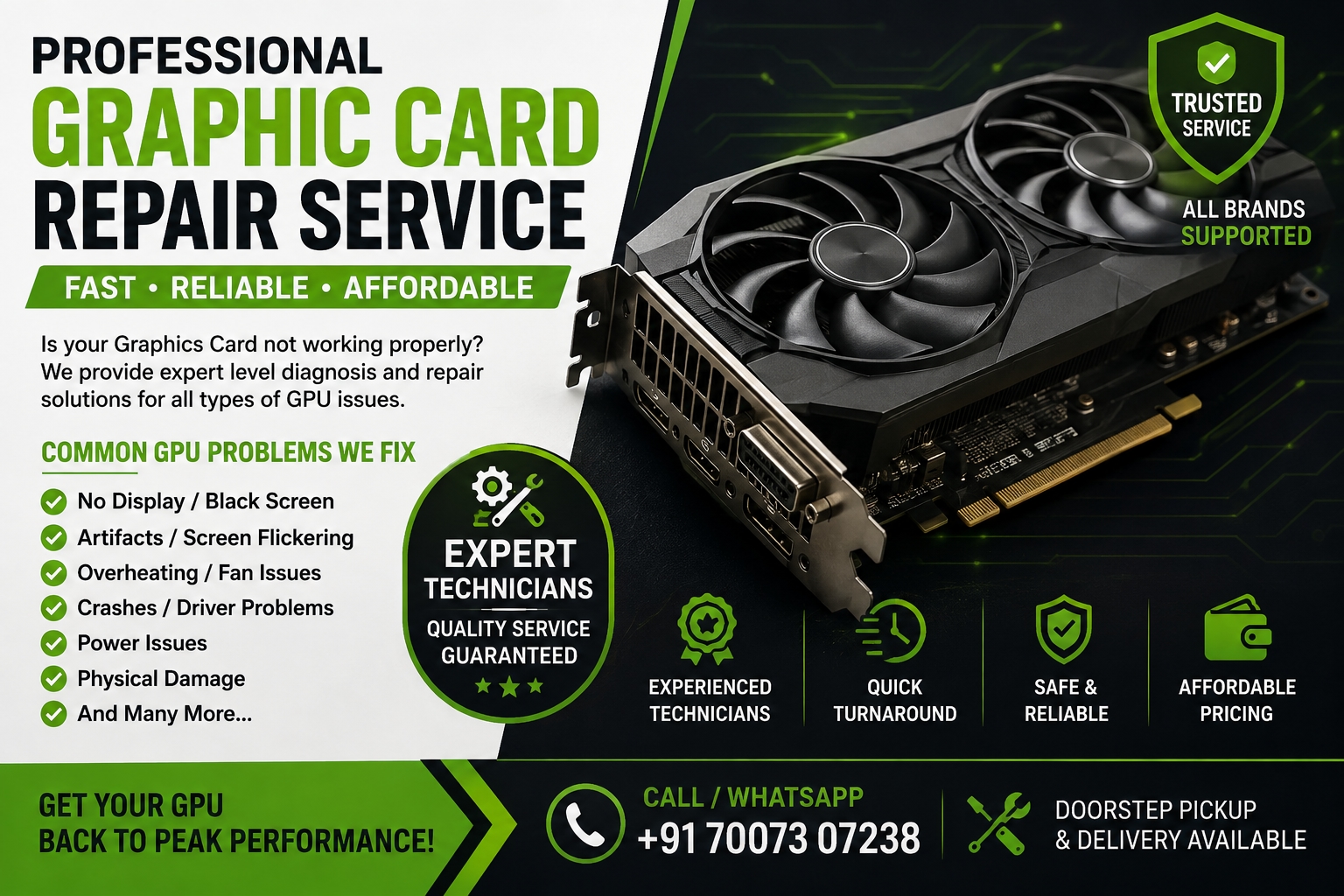
Graphics cards have become an essential component for gaming, video editing, graphic designing, 3D rendering, artificial intelligence, and other demanding computer applications. With new GPU technologies being introduced, users are getting better performance, improved graphics quality, and advanced AI capabilities. However, even modern graphics cards can experience overheating, display problems, driver errors, and hardware failures.
If you are looking for graphic card repair services, understanding common GPU problems and proper maintenance can help you protect your graphics card and extend its useful life.
Latest Graphics Card Technology in 2026
NVIDIA's current GeForce RTX 50 Series is powered by its Blackwell architecture. The lineup includes models such as the RTX 5090, RTX 5080, RTX 5070 Ti, RTX 5070, RTX 5060 Ti, RTX 5060, and RTX 5050. NVIDIA highlights features such as advanced ray tracing, AI processing, and DLSS technology across the RTX 50 Series.
AMD is also continuing its Radeon RX 9000 Series based on its RDNA 4 architecture. The series focuses on gaming performance, ray tracing, AI accelerators, and improved visual quality. AMD also lists the Radeon RX 9070 XT and other RX 9000 Series graphics cards in its current product lineup.
These newer graphics cards offer significant capabilities, but they still require proper cooling, power delivery, drivers, and regular maintenance.
Why Do Modern Graphics Cards Need Proper Maintenance?
High-performance GPUs generate considerable heat when they are used for gaming, rendering, AI workloads, or video processing. Dust accumulation, poor airflow, dried thermal material, faulty fans, or an inadequate power supply can contribute to higher temperatures and unstable performance.
Regular maintenance can help identify potential problems before they become serious. Keeping the computer case clean, ensuring adequate airflow, monitoring temperatures, and installing appropriate drivers are some basic steps users can take.
Common Graphics Card Problems
Even a new graphics card may develop problems due to improper installation, power issues, overheating, software conflicts, or component failure.
Some common symptoms include:
No display after installing the graphics card
Screen flickering
Random system crashes
Graphical artifacts
Excessive GPU temperature
Fan problems
Driver crashes
Black screen during gaming
Reduced graphics performance
Computer restarting under heavy load
If these symptoms continue after basic troubleshooting, professional diagnosis may be necessary.
When Do You Need Graphic Card Repair?
Not every GPU problem means that the graphics card needs physical repair. Sometimes the issue is caused by outdated drivers, incorrect settings, insufficient power, overheating, or another component in the computer.
Before considering repair, technicians generally need to determine whether the problem is software-related or hardware-related.
Hardware problems can involve components such as the GPU chip, memory modules, power circuitry, connectors, or cooling system. Component-level issues require specialized equipment and technical expertise.
Professional graphic card repair can help determine whether the existing card can be restored or whether replacement would be a better option.
How to Protect Your Graphics Card
Proper usage and maintenance can reduce the risk of GPU-related problems. Users should keep the PC case and cooling system clean and make sure that fans are operating correctly.
It is also important to use a suitable power supply and avoid obstructing airflow around the computer. Monitoring GPU temperature during demanding workloads can help identify unusual heating.
Drivers should be downloaded from the official manufacturer whenever possible. NVIDIA and AMD regularly provide software and driver updates for their graphics products.
New GPU or Repair: Which Is Better?
When an expensive graphics card develops a problem, replacing it immediately may not always be the best option. The right decision depends on the age of the GPU, the type of fault, repair cost, availability of replacement parts, and expected performance after repair.
For minor or repairable issues, professional servicing may be more economical. For severe component damage or an older graphics card, replacement may make more sense.
A proper diagnosis should therefore be completed before making a final decision.
Why Choose Professional Graphic Card Repair?
Modern GPUs contain highly sensitive electronic components. Attempting complex repairs without the right equipment can cause additional damage.
A professional repair service can inspect the graphics card, test different components, identify the source of the problem, and recommend an appropriate solution.
If your GPU is showing display errors, overheating, crashing, or other unusual symptoms, getting it professionally checked can help prevent further damage.
Conclusion
The graphics card market continues to evolve rapidly, with NVIDIA's RTX 50 Series and AMD's Radeon RX 9000 Series bringing newer architectures and advanced AI and graphics technologies to users.
However, advanced technology does not make a GPU completely immune to technical problems. Proper cooling, power management, driver maintenance, and professional servicing can help keep a graphics card working reliably.
Whether you are using a newer GPU or an older model, early diagnosis is important when you notice unusual temperatures, display problems, crashes, or performance issues. Professional graphic card repair can help determine the actual cause of the problem and whether repair or replacement is the most practical solution.