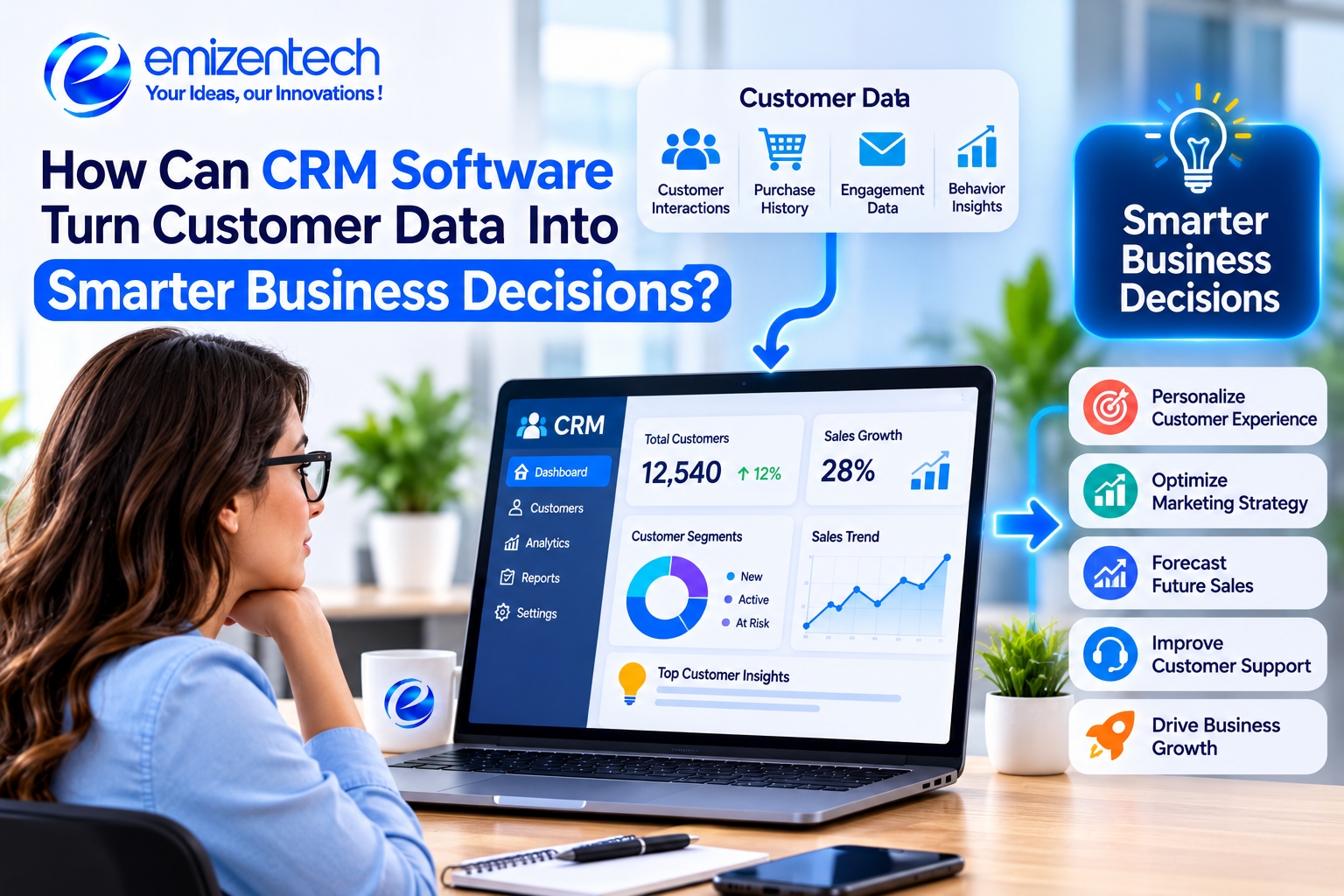
Most businesses already have plenty of customer data. It sits in email threads, spreadsheets, billing tools, support tickets, and the memories of long-serving staff. The problem is not a lack of information. It is that nobody can see it all at once, so decisions end up based on instinct or whichever number is easiest to find. A CRM, short for customer relationship management software, brings that scattered data together and makes it usable. This article explains how that works and how businesses can move from collecting data to acting on it.
What Kind of Customer Data Does a CRM Collect?
A CRM gathers several types of information. The first is basic contact and company details. The second is interaction history, such as emails, calls, meetings, and chat conversations. The third is transaction data, including purchases, quotes, renewals, and payment dates.
Modern systems also record behavior: which emails a person opened, which pages they visited, and which products they viewed. Support teams add another layer with tickets and satisfaction scores. Put together, these details form a complete customer profile that shows not only who the customer is, but how they interact with the business over time. Setting up this kind of tracking correctly often involves a CRM software development company, especially when the data comes from several different tools.
From Raw Data to Useful Insight: How a CRM Makes Sense of It
Collecting data is only the first step. A CRM adds value by organizing, connecting, and summarizing it. Records are linked so that one customer's emails, orders, and support requests appear in one place. Filters and tags let teams group customers by location, spending, or interest.
The system can then spot patterns that people would miss when reading records one by one. For example, it might show that customers who contact support twice in a month are more likely to cancel. Businesses that need tracking built around their own processes often look into CRM development services, since ready-made reports do not always match how a specific company measures success.
Business Decisions a CRM Helps You Make
The real test of a CRM is whether it improves decisions. Used well, it supports choices that affect revenue, customer satisfaction, and how a team spends its time. These are the areas where the impact is usually clearest.
Which Leads Deserve Attention First
Not every lead is equally likely to buy. A CRM can score leads based on actions like visiting a pricing page, opening emails, or requesting a demo. Sales reps can then call the warmest leads first instead of working through a list in alphabetical order.
Which Customers Are Likely to Leave
Keeping a customer is usually cheaper than finding a new one. Harvard Business Review has reported that acquiring a new customer can cost five to twenty-five times more than retaining an existing one. A CRM can flag warning signs, such as fewer logins, unanswered emails, or repeated complaints, so the team can reach out in time.
What to Sell, to Whom, and When
Purchase history shows what customers tend to buy together and how often they reorder. Starbucks Rewards is a well-known example of using this kind of data to send offers based on a member's habits. Smaller businesses can do something similar, such as reminding a customer to reorder supplies just before they run out.
How to Plan Sales Targets and Forecasts
With clear data on pipeline value, deal stages, and past win rates, managers can set targets based on facts. If only 20 percent of proposals close, the team knows how many proposals it needs to reach a revenue goal.
Reports and Dashboards That Support Faster Decisions
Dashboards turn thousands of records into charts and numbers that can be read in a minute. A sales manager might check pipeline value and deals at risk every morning. A support lead might look at response times and unresolved tickets. A marketing manager might compare lead sources to see which campaigns bring buyers instead of just clicks.
The key is to keep dashboards focused. A screen with fifty metrics is hard to use. Most teams do better with five to ten numbers tied to specific goals, reviewed on a regular schedule. Real-time updates also help, because a problem noticed on Tuesday can be fixed before the end of the week.
How Clean Data Shapes the Quality of Decisions?
A CRM can only be as good as the data inside it. Duplicate contacts, outdated phone numbers, and missing fields lead to wrong conclusions. If the same customer appears three times, revenue per customer looks lower than it really is, and a marketing email may be sent three times.
Clean data starts with simple rules: required fields, consistent formats, and regular checks for duplicates. Integration also matters, since a CRM that does not connect with billing or support tools will show only part of the picture. Many businesses get technical help to set up these connections and validation rules properly, which avoids a lot of manual correction later. Assigning someone to own data quality is just as important as any tool.
Real-World Examples of Data-Driven CRM Use
A few practical examples show how this works outside theory.
Retail: Sephora's Beauty Insider program uses purchase history to guide product suggestions and offers across stores and its app.
Subscription services: Companies track usage and support history to find customers who may cancel, then offer help or a plan change before they leave.
Local services: A gym can use a CRM to spot members whose visits have dropped and send a friendly check-in message.
B2B sales: A software firm can see which industries close fastest and focus its outreach there.
In each case, the data already existed. The CRM made it visible and tied it to a clear action.
Common Mistakes That Lead to Poor CRM Insights
Even good tools can give weak results if used badly. Watch for the following mistakes.
Treating the CRM as a storage box: Data is entered but never reviewed or acted on.
Tracking too many metrics: Teams get lost in numbers and miss what matters.
Ignoring data entry habits: If reps skip fields or log activity late, reports become unreliable.
No clear goals: Without defined questions, reports have no direction.
Overtrusting predictions: Scores and forecasts are guides, not guarantees, and people should still apply judgment.
Steps to Start Making Data-Driven Decisions with Your CRM
Start with one question you want answered, such as why deals stall or which customers leave. Then check whether the data needed to answer it is complete and accurate. Clean it up before building any reports.
Next, create a simple dashboard with a few key numbers and review it weekly with the team. Share findings and decide on one action after each review. If your needs go beyond standard features, it may help to talk with an experienced CRM development company about custom reports or integrations. Finally, train your staff on why accurate entry matters, and revisit your goals every quarter.
Conclusion
CRM software turns customer data into better decisions by gathering it in one place, keeping it clean, and presenting it in a way people can act on. The technology helps, but results depend on clear questions, steady habits, and honest review of what the numbers show. A sensible next step is to choose one decision your business struggles with and see what your CRM data says. EmizenTech approaches CRM projects in the same practical way, starting with the business question before choosing any features.
FAQs
1. How does CRM software turn customer data into business decisions?
It gathers data from many sources, links it to each customer, and shows patterns through reports and dashboards so that teams can act on facts instead of guesses.
2. What type of customer data should a CRM track?
Contact details, interaction history, purchases, support tickets, and online behavior such as email opens and page visits.
3. Why does data quality matter in a CRM?
Duplicate or outdated records lead to wrong conclusions, wasted effort, and poor customer experiences. Clean data makes reports reliable.
4. Can small businesses benefit from CRM insights?
Yes. Even simple reports, like which leads convert or which customers have stopped ordering, can guide better decisions.
5. How often should CRM reports be reviewed?
Weekly reviews work well for sales and support metrics, with a deeper look each month or quarter to check trends and goals.