Most of us lean on our computers for work, banking, school, and staying in touch, and we only notice them when something goes wrong. A laptop that takes five minutes to boot, an update that never finishes, a drive that suddenly won’t open.
A little routine care prevents most of that. And when a problem is beyond a quick fix, Computer Repair Services in Hamilton can get a struggling machine back on its feet before it turns into a bigger headache.
Why Regular Computer Maintenance Matters
Maintenance is simple in principle. You keep software current, watch your storage, check your security, and pay attention to what the hardware is telling you. Done consistently, it catches small problems while they’re still small. That holds whether you run Windows or use a Mac. A well-kept machine simply lasts longer and fails less often.
1. Keep Your Computer Fast
Slowdowns usually build up quietly. Temporary files pile up, old programs sit unused, and a dozen apps launch at startup without your ever asking them to. Clearing out the clutter, trimming the startup list, and leaving a healthy amount of free disk space makes a real difference.
If the machine still crawls afterward, the cause is probably deeper. Too little memory, a tired drive, aging hardware, or two programs fighting each other can all produce the same sluggish result. A technician can pinpoint which one it is and tell you whether a repair or an upgrade makes sense.
2. Stay on Top of Updates and Security
Updates are not just about new features. They patch security holes, fix bugs, and often smooth out performance. Putting them off leaves known weaknesses open for anyone who cares to use them.
A few habits cover most of the ground:
Install operating system and software updates when they appear.
Run a reputable antivirus program.
Delete apps you don’t recognize.
Think twice before opening unexpected attachments or downloading from unfamiliar sites.
Run a security scan every so often.
These habits protect both personal and business information. If malware does get through, professional virus removal is the safer route than guessing your way through it.
3. Catch Hardware Trouble Early
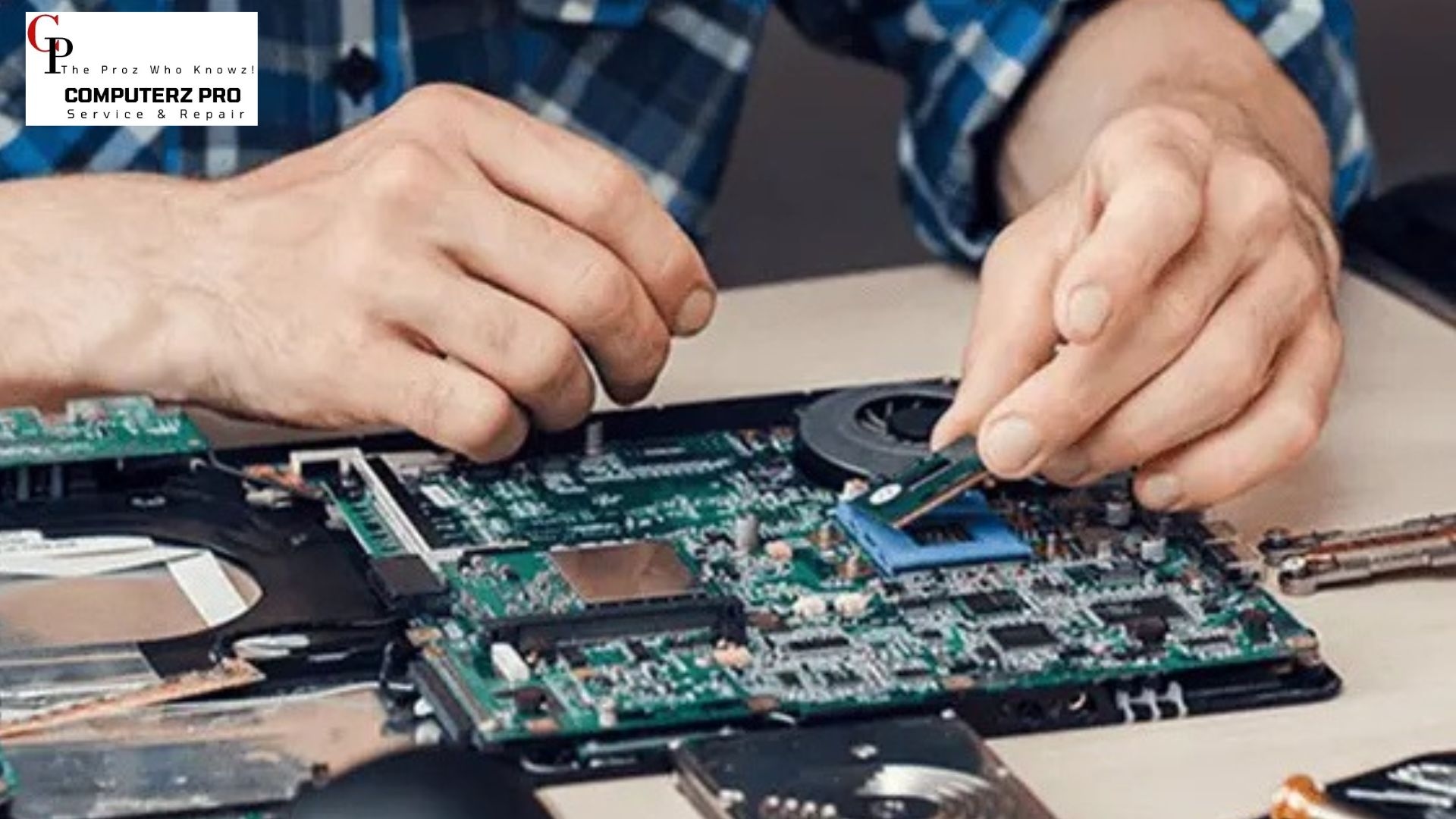
Hardware rarely fails without warning. Overheating, strange noises, random shutdowns, and repeated crashes are the usual signs that something inside is wearing out. Dust is a common culprit because it clogs vents and fans and traps heat. A failing drive is more serious, and it tends to announce itself with slow file access or errors before it gives up completely.
Sometimes replacement is simply the smarter call. If a machine is old and keeps breaking, paying for repair after repair adds up. Just remember that a new computer means moving your applications and data (Apps & Data) over from the old one. Plan that step so nothing important gets left behind.
4. Back Up Before You Need To
Drives die, files get deleted by accident, and software goes sideways. A backup is what turns those events into an annoyance instead of a disaster. Documents, photos, and business records are the first things worth protecting.
You can use an external drive, a cloud service, or both. The part people skip is testing. A backup you’ve never tried to restore is a guess, so open a few files from it now and then to confirm they come back intact.
If a device fails and the files are stuck on it, data recovery may still be possible. How much can be saved depends on the condition of the storage drive.
5. Get More Years Out of Your Computer
A slower computer doesn’t automatically need replacing. Keeping it clean, controlling heat, leaving room on the drive, and dealing with hardware faults promptly all help. Depending on the model, adding memory or switching to a faster drive can make an older machine feel new again.
If you aren’t sure whether yours is worth saving, have someone assess it. An honest opinion on repair versus replacement can save you money over the long run.
6. Receive Trusted Windows and Apple Support
Windows and Apple systems are different, and each has its own hardware quirks, but both need regular updates, security checks, and expert help when things go wrong.
ComputerzPro repairs and provides technical support. It fixes hardware and software, removes viruses and recovers data, and even has a handy pick-up and delivery service for when you can’t easily get a computer in. If the problem is a tough one, experienced technicians will find out the real cause and suggest a fix, instead of going through the same troubleshooting steps with you.
Conclusion
Routine maintenance keeps your computer running faster, protects your information, and makes a sudden breakdown less likely. Updates, tidy storage, security checks, and backups are easy to do and well worth the effort. ComputerzPro is a practical repair and support for a range of computer needs when you need the expertise for a problem. A good Computer Repair Shop in Hamilton will ensure that your device is ready for whatever you want to do tomorrow.