
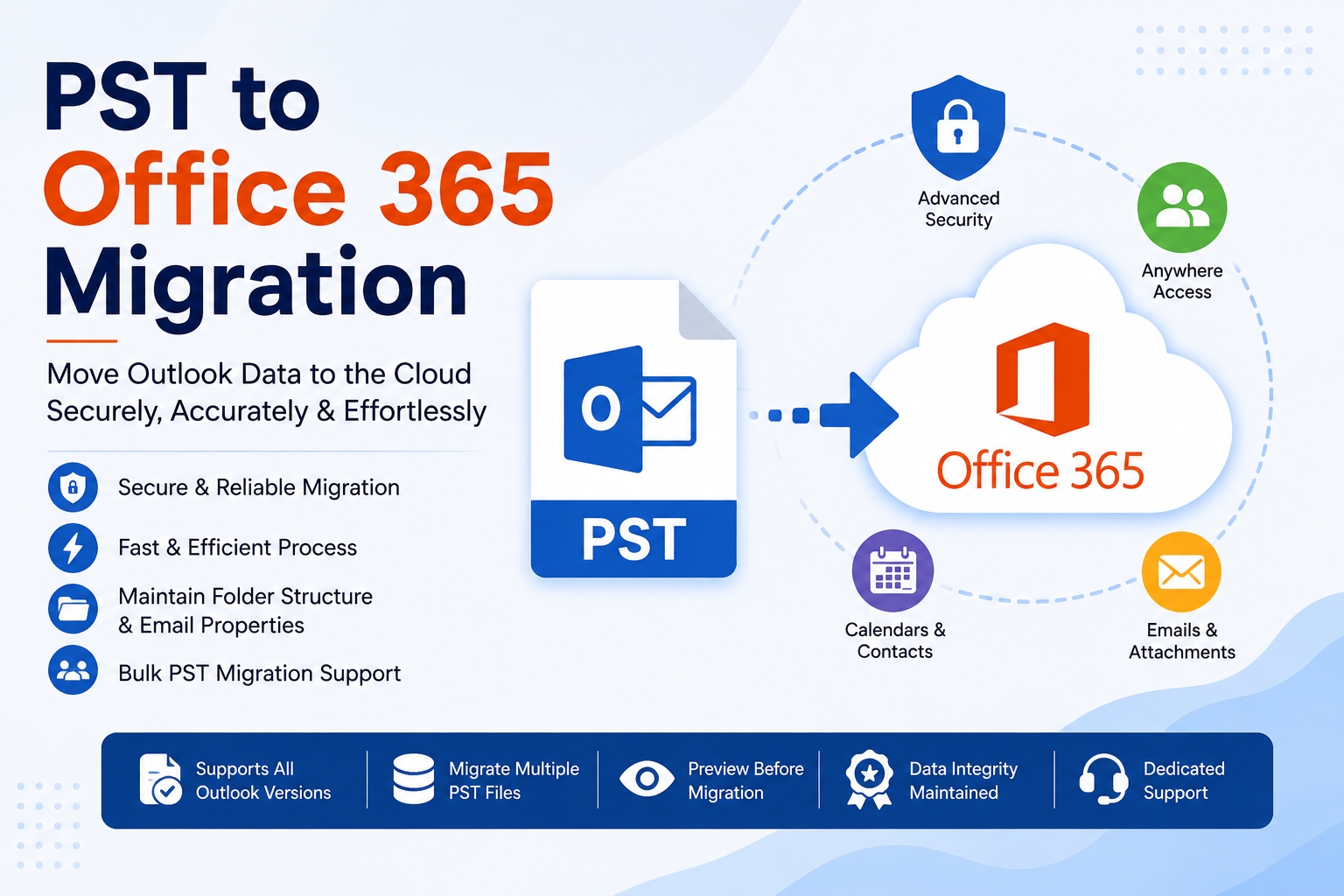
Microsoft 365 has changed the way organizations store, access, and manage business emails. However, many users still have years of Outlook information saved in PST files on local computers. Moving this data into Microsoft 365 can improve accessibility, simplify administration, and provide a more centralized email environment. This process is commonly known as PST to Office 365 migration.
Whether you are an individual user moving an Outlook archive or an organization handling multiple PST files, choosing an appropriate migration method is important. A professional migration solution can make it easier to securely migrate PST to Office 365.
What Does PST to Office 365 Migration Mean?
PST is short for Personal Storage Table, an Outlook data file used to store mailbox information locally. Depending on the user's Outlook configuration, a PST file may include emails, attachments, contacts, calendars, tasks, notes, and other mailbox items.
When this information is moved into an Office 365 mailbox, users no longer need to depend entirely on locally stored archives. Instead, the data can become part of a cloud-based mailbox that is accessible through Microsoft 365 services.
Why Move Outlook PST Data to Office 365?
Keeping large collections of PST files can create management challenges. Employees may have PST files stored on different computers, external drives, or backup locations. Finding specific information can therefore become difficult.
A successful PST to Office 365 migration can provide several benefits.
Centralized Email Management
Moving mailbox information into Office 365 makes it easier to manage email data from a centralized cloud environment.
Convenient Access
Cloud-hosted mailbox data can be accessed through supported Microsoft 365 applications and devices, reducing dependence on a particular computer.
Simplified Administration
IT administrators can manage user mailboxes through the Microsoft 365 environment instead of tracking numerous independent PST archives.
Better Collaboration
Microsoft 365 works with services such as Teams, SharePoint, and OneDrive, creating a connected productivity environment.
Reduced Dependence on Local Archives
Once appropriate data is available in the cloud, organizations can reduce their reliance on manually maintained PST collections.
What Data Can Be Migrated?
A PST file can contain different types of Outlook information. Depending on the selected migration method and destination, organizations may need to transfer:
Emails
Email attachments
Contacts
Calendar items
Tasks
Notes
Folder structures
Before starting a migration, it is useful to identify which data needs to be transferred and which archived information can remain outside the target mailbox.
Challenges When You Import PST to Office 365
The process to import PST to Office 365 can become complicated when a project involves many users or large data collections.
Common challenges include:
Multiple PST Files
Businesses may have hundreds of PST files distributed across employee systems.
Large Data Volumes
Large archives require additional planning and sufficient destination storage.
Technical Configuration
Some native migration approaches require administrative permissions, configuration, and technical knowledge.
Data Organization
Identifying the correct PST file for each user can be difficult when filenames and storage locations are inconsistent.
Migration Monitoring
Large projects require proper tracking to determine whether all required data has been transferred successfully.
For these reasons, organizations often evaluate automated migration software before beginning a large project.
Using MailsDaddy to Upload PST to Office 365
The MailsDaddy PST to Office 365 Migration Tool is designed to simplify the process of transferring Outlook PST data to Microsoft 365.
The solution provides an interface for adding PST files, reviewing mailbox content, connecting to the target Office 365 environment, and starting the migration.
It can be useful for users who want to upload PST to Office 365 without relying entirely on lengthy manual procedures.
Important Features
Bulk PST Migration
Organizations working with multiple PST files can process their data more efficiently than handling every archive individually.
Selective Migration
Users can select relevant mailbox folders or data instead of transferring unnecessary content.
Data Preview
Previewing mailbox information before migration can help users verify the source data.
Folder Structure Preservation
Maintaining the original organization of mailbox folders helps users locate migrated information more easily.
Direct Migration
The software is designed to transfer PST data toward the Office 365 destination without requiring a separate conversion format.
How to Migrate PST to Office 365
A typical automated migration workflow can be completed through these stages:
1. Install the migration application:
Set up the software on a compatible Windows computer.
2. Add PST files:
Select the PST files that contain the required Outlook data.
3. Review the data:
Preview folders and mailbox items before proceeding.
4. Provide destination details:
Connect the appropriate Office 365 mailbox or tenant.
5. Select migration options:
Choose the folders or mailbox data that should be transferred.
6. Start the migration:
Begin the transfer and monitor the migration status.
Tips for a Successful Migration
A little preparation can make the migration process more organized.
First, create an inventory of all PST files and identify their associated users. Next, check the size and contents of the files before beginning the transfer. Maintaining backup copies of important PST files is also a sensible precaution.
For larger projects, performing a test migration can help administrators understand the workflow before processing the complete dataset. It is also important to verify the destination accounts and available Microsoft 365 storage.
Why Choose an Automated Approach?
Manual methods can be appropriate for specific migration scenarios, but large projects may require considerable administrative effort. Automated software can reduce repetitive work and provide a more structured workflow.
The right solution can help organizations:
Reduce manual processing
Handle multiple PST files
Select specific mailbox data
Simplify migration management
Minimize repetitive configuration
Organize large migration projects more efficiently
Conclusion
Moving Outlook archives into Microsoft 365 can help organizations modernize their email management and reduce dependence on scattered local PST files. A carefully planned PST to Office 365 migration can provide centralized access, easier administration, and a more convenient cloud-based environment.
If you need to migrate PST to Office 365, selecting a suitable migration method is essential. The MailsDaddy PST to Office 365 Migration Tool provides a dedicated approach for transferring PST data while offering features such as bulk processing, selective migration, and mailbox preview.
With proper planning and the right migration solution, organizations can make the transition from local Outlook archives to Microsoft 365 more organized and efficient.