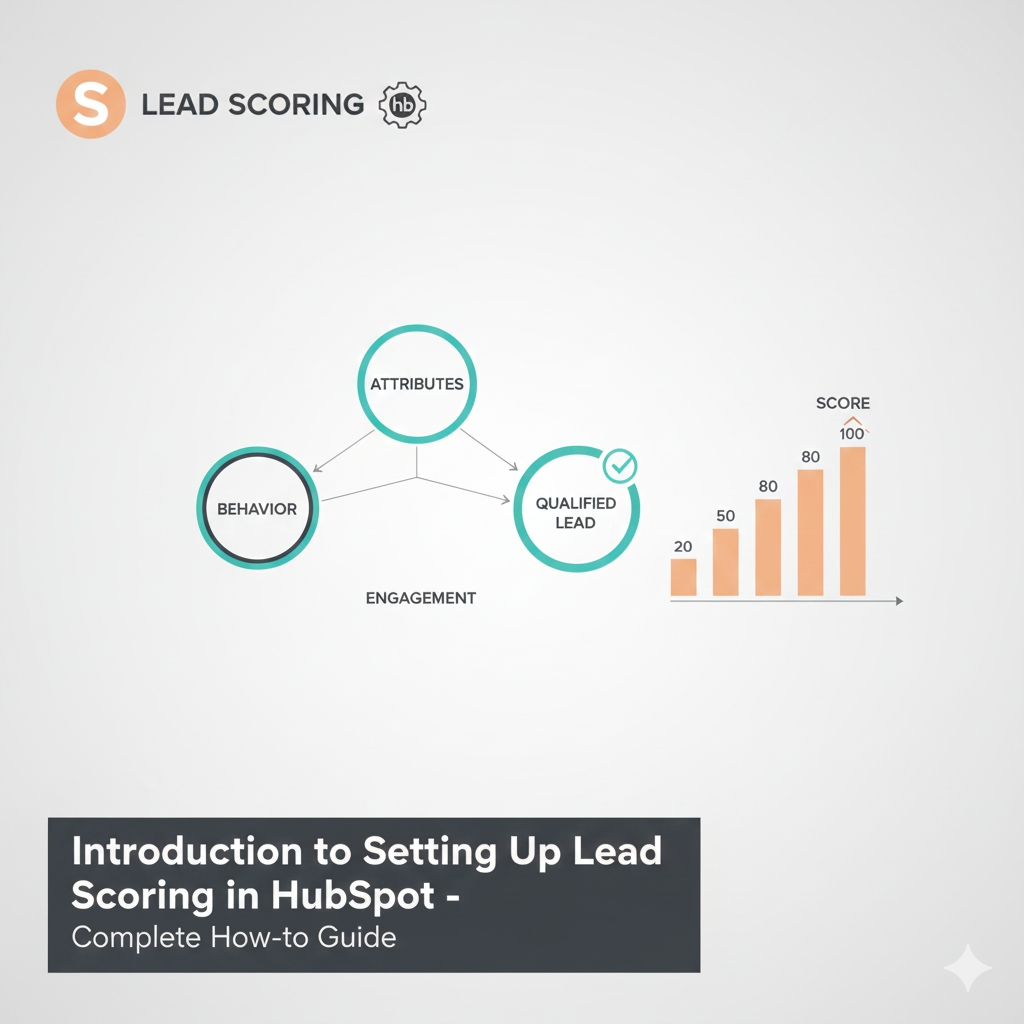
Aligning manual and predictive models to precisely prioritize leads based on their fit and engagement is the best way to set up lead scoring in HubSpot. By allocating points based on characteristics like behavior, demographics, and interactions, lead scoring assists sales and marketing teams in identifying high-value prospects. Depending on your subscription and business requirements, HubSpot's tools let you use AI-driven predictive scoring or customize scoring. For both B2B and B2C businesses, a proper setup increases conversion rates, expedites sales workflows, and results in prompt follow-ups.
Understanding HubSpot Lead Scoring Models
Both manual and predictive lead scoring are available with HubSpot. You can allocate points to particular criteria, like industry, job title, or website visits, using manual lead scoring. You customize the model to fit your particular audience by specifying which attributes add or subtract points. This method is available on Professional and Enterprise plans and is adaptable.
Enterprise offers predictive lead scoring, which employs machine learning to evaluate past client data and forecast which leads have the highest conversion rates. It is perfect for intricate pipelines or bigger databases because it automates scoring with less human input.
Your company's size, data maturity, and customization requirements will all influence which model is best for you. Businesses frequently begin with manual scoring and switch to predictive models as their data volume increases.
Step 1: Define Your Lead Scoring Criteria
Make a list of the traits and behaviors that indicate a good lead. This includes engagement signals like opening emails, visiting pricing pages, or submitting forms, as well as demographic elements like industry, job title, and company size. Unqualified positions or expired contacts may result in negative scores.
Give top priority to the factors that, in your situation, have the strongest correlation with sales success. For accuracy, use real sales data or input from sales teams. By emphasizing important patterns, this step directs predictive models and establishes the framework for your manual lead scoring setup.
Step 2: Create and Customize Your Lead Scoring Properties
Go to the Properties section under Settings in HubSpot. For both positive and negative attributes, locate or create score properties. Include logical groupings of related behaviors or demographic filters.
Give each property a point value so that behaviors that have an impact are given higher scores. Custom properties adapt the scoring model to particular product lines or business objectives. The HubSpot interface makes it simple to manage intricate scoring rules and add numerous criteria.
Both the adaptability of manual scoring and the AI learning process of predictive scoring are supported by this flexibility.
Step 3: Assign Point Values and Thresholds
Give each scoring criterion a significant number of points according to how important it is to the likelihood of conversion. An "Intern" may receive fewer points than a "CEO," for instance.
To classify leads, set score thresholds (e.g., low < 50, medium 50–80, high > 80). These thresholds ensure that sales teams promptly engage the appropriate leads by triggering automation such as workflows or alerts.
To keep your scoring model accurate, review and modify these point values and thresholds on a regular basis using performance metrics and feedback.
Step 4: Test and Refine Your Lead Scoring Model
To see scores and lead conversion trends, run test data through the model. Examine the correlation between scores and actual sales results using HubSpot reports.
As you identify misalignments or emerging trends, modify weights or criteria. Establish a routine for reviewing your scoring setup since testing consistently increases accuracy.
Step 5: Automate Sales Notifications and Lead Routing
When high-priority leads engage, use lead scores to send sales teams instant alerts. Create workflows that automatically nurture lower-score leads by assigning leads according to score tiers.
Automation maximizes your HubSpot lead scoring investment by minimizing lost opportunities and guaranteeing effective use of sales resources.
Best Practices for Lead Scoring in HubSpot
For a comprehensive perspective, strike a balance between behavioral engagement and demographic fit. Steer clear of extremely complicated models; simplicity enhances comprehension and management.
Regularly update your model to take into account fresh information and changing sales tactics. To guarantee consistency and confidence in the scores, align the sales and marketing teams early on regarding scoring definitions.
How Concretio Supports Your Lead Scoring Setup?
It can be difficult and time-consuming to set up an efficient HubSpot lead scoring system. Concretio's HubSpot Development Services provide professional advice and practical assistance for creating customized scoring models, automating workflows, and smoothly coordinating sales-marketing procedures. Concretio guarantees that your lead scoring setup, whether manual or predictive, produces actionable insights and real business impact.
FAQs
Q-1. How can I configure HubSpot's lead scoring criteria?
Answer: To create or modify score properties and add positive and negative criteria that reflect lead quality, navigate to the Properties section of HubSpot Settings.
Q-2. How does HubSpot's manual and predictive lead scoring differ from one another?
Answer: Predictive scoring employs artificial intelligence (AI) to analyze trends and automatically score leads, whereas manual scoring is based on rules and assigns points.
Q-3. Is it possible for HubSpot to compute lead scores automatically?
Answer: Yes, predictive lead scoring uses your past data to automatically calculate scores.
Q-4. How frequently should my lead scoring model be updated?
Answer: Evaluate performance on a regular basis and update criteria every quarter or as your company develops.
Q-5. How can I avoid scoring irrelevant or disqualified leads?
Answer: Include negative criteria and use selective sync and segmentation to filter out such leads.