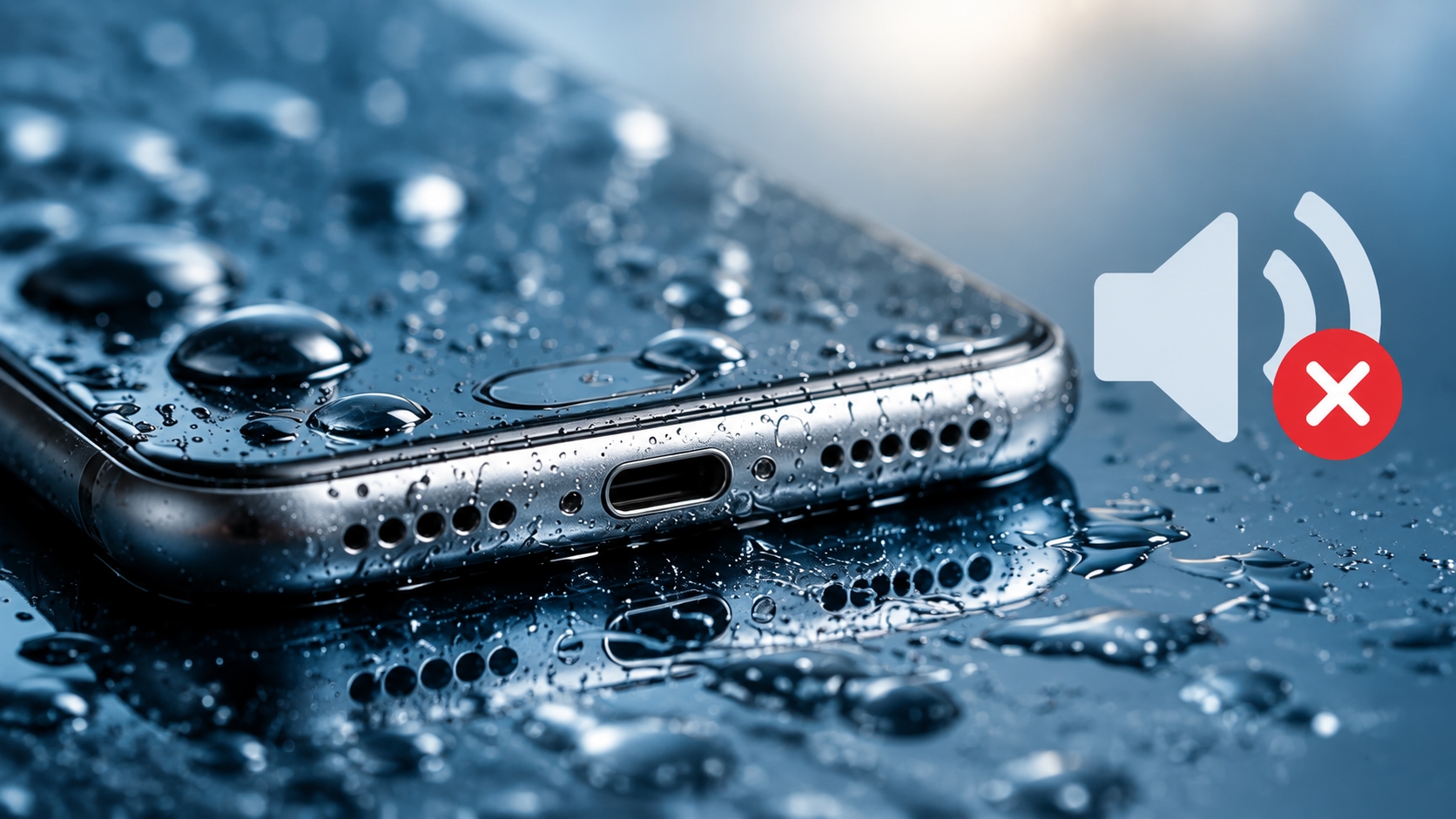
A phone can still work normally after getting splashed with water, yet the speaker may suddenly sound quiet, dull, or distorted. Voices can become harder to understand, music may lose its clarity, and you may notice crackling or a weak bass response.
This often happens because a small amount of moisture remains around the speaker grille. However, water is not the only possible cause. Dust, lint, a phone case, Bluetooth audio routing, software settings, and physical speaker damage can create very similar symptoms.
The good news is that minor speaker muffling can often be investigated with a few simple steps before considering professional repair.
Why Does a Phone Speaker Sound Muffled After Water Exposure?
Phone speakers use a small diaphragm to produce sound. The speaker grille allows sound to travel out of the device while helping protect the internal components.
When moisture collects around the grille, it can interfere with normal sound movement. Even a relatively small amount of water may make the speaker sound quieter or less clear until the moisture moves away.
The situation is more likely to be related to moisture when the sound problem appears immediately after:
- Rain exposure
- A splash near the phone
- An accidental drink spill
- Using the phone near a pool
- High humidity or condensation
- Cleaning the phone with too much liquid
If the speaker was already muffled before the water exposure, another cause may be responsible.
Other Reasons Your Phone Speaker May Sound Quiet
Before assuming that water is the problem, check a few other common causes.
Dust and Lint
Small particles can collect around the speaker grille over time. Pocket lint, dust, and other debris can partially block the openings and reduce sound clarity.
Do not push pins, needles, or other sharp objects into the grille. They can damage the mesh or push debris farther into the device.
A Phone Case May Be Blocking the Speaker
Some cases or accessories can partially cover speaker openings. A wet case can also hold moisture near the grille.
Remove the case temporarily and test the speaker again. If the sound improves, the case may have been contributing to the problem.
Bluetooth May Be Redirecting Audio
Sometimes there is nothing wrong with the speaker at all.
Your phone may still be connected to wireless earbuds, a car stereo, a Bluetooth speaker, or another audio device. Check the audio output and temporarily turn Bluetooth off before troubleshooting the built-in speaker.
Software or Audio Settings
Check the media volume and audio settings before assuming there is hardware damage. Restarting the phone can also help when a temporary software or audio-routing problem is involved.
Physical Damage
A phone that has been dropped or hit may develop speaker problems unrelated to moisture. Persistent crackling, severe distortion, extremely low volume, or complete silence can indicate a hardware issue.
A sound-based cleaning method cannot repair a damaged speaker component or circuit board.
What Should You Do If Your Phone Speaker Gets Wet?
The first step is to remove the phone from the source of the liquid and deal with visible moisture carefully.
Remove a wet case and gently blot the exterior with a clean, lint-free cloth. Avoid inserting anything into the speaker, microphone, or charging port.
You should also avoid direct heat. A hair dryer or other strong heat source can create additional problems for the device.
If the phone was heavily soaked or submerged, follow the manufacturer's liquid-exposure instructions. Do not assume that a speaker-cleaning sound can dry the entire phone.
Most importantly, do not charge a device while moisture may still be present in or around the charging area.
Can Sound Help With Minor Moisture Around a Speaker?
Sound-based speaker cleaning is a non-contact troubleshooting approach. Instead of inserting an object into the grille, the device plays a particular sound pattern through its own speaker.
The resulting speaker movement may help move small amounts of moisture away from the grille in some situations. Results can vary depending on the phone, speaker design, amount of moisture, and the actual cause of the muffled sound.
For people who want to try this approach without installing an app, MySpeakersFix is a browser-based speaker troubleshooting tool that uses sound and vibration patterns for minor moisture-related muffling.
It is important to understand its limits. A browser-based sound tool is not a replacement for professional repair and cannot fix corrosion, broken components, liquid inside other parts of the phone, or serious physical damage.
How to Test a Muffled Speaker Safely
A simple before-and-after comparison can make troubleshooting much easier.
1. Test the Speaker First
Play a familiar song, podcast, video, or voice recording.
Pay attention to:
- Overall volume
- Voice clarity
- Bass
- Crackling
- Buzzing
- Distortion
- Intermittent sound
Remember what you hear so you have something to compare later.
2. Remove the Case
Take the phone out of its case temporarily. This is especially useful if the case became wet or covers part of the speaker grille.
3. Dry Visible Moisture
Use a clean, lint-free cloth to blot visible moisture from the exterior.
Do not use pins, needles, cotton swabs, or metal tools inside the speaker opening.
4. Disconnect Bluetooth
Turn Bluetooth off or disconnect wireless audio devices. Make sure the sound is coming from the phone's built-in speaker.
5. Try a Short Sound-Based Cleaning Cycle
If the problem appears to be related to minor moisture around the speaker, a short sound-based cycle can be tried.
Keep the speaker opening positioned according to the tool's instructions and avoid unnecessarily long cleaning sessions.
6. Play the Same Audio Again
Use the same song, voice recording, or video you used during the initial test. Compare the volume and clarity rather than relying only on memory.
If the sound improves, moisture may have been contributing to the problem. If nothing changes, investigate other causes instead of repeatedly running the cleaning sound.
What If the Speaker Is Still Muffled?
If the speaker remains quiet after basic troubleshooting, look at the other possible causes.
Check the speaker grille for visible debris and make sure the phone case is not blocking it. Confirm that Bluetooth is disconnected and that the correct audio output is selected.
You can also restart the device and test another audio source.
If the phone was dropped, submerged, or exposed to significant liquid, persistent problems may indicate physical or internal damage.
A cleaning cycle should not be repeated endlessly when there is no improvement.
Water Damage vs. Dust: How Can You Tell the Difference?
The timing of the problem can provide a useful clue.
Situation | Possible Cause |
Muffled immediately after rain or a splash | Moisture |
Gradual reduction in volume over months | Dust or lint |
Sound disappears after connecting earbuds | Bluetooth/audio routing |
Speaker problem begins after a drop | Physical damage |
Case covers the speaker opening | Accessory obstruction |
Crackling continues after drying | Possible hardware issue |
These are only troubleshooting clues, not a definitive diagnosis.
What You Should Avoid When Cleaning a Phone Speaker
Several common cleaning methods can cause more harm than good.
Do Not Insert Sharp Objects
Pins, needles, paper clips, and metal picks can damage the speaker mesh and internal components.
Do Not Use Excessive Heat
A hair dryer may seem like a quick way to remove moisture, but direct heat can create additional problems.
Do Not Keep Charging a Wet Phone
If moisture may still be present around the charging area, avoid charging until the device is considered safe according to the manufacturer's guidance.
Do Not Assume Sound Cleaning Fixes Everything
A sound-based cleaning method is intended for troubleshooting minor moisture-related muffling. It cannot repair corrosion, damaged circuitry, a failed speaker, or liquid damage elsewhere inside the phone.
When Should You Get Professional Help?
Professional inspection is a better option when the problem does not improve or when there are signs of more serious damage.
Consider getting the phone checked if:
The speaker produces no sound at all.
Severe distortion continues.
The phone overheats.
The device repeatedly shuts down.
The screen or battery behaves abnormally after liquid exposure.
Several components stop working.
The phone was submerged or heavily soaked.
The problem started after a significant drop or impact.
These symptoms can point to a hardware problem rather than simple moisture around the speaker grille.
Final Thoughts
A muffled phone speaker after water exposure does not always mean the speaker is permanently damaged. Minor moisture around the grille can temporarily affect volume and clarity, while dust, Bluetooth connections, phone cases, software settings, and physical damage can create similar symptoms.
Start with simple checks: disconnect Bluetooth, remove the case, dry visible moisture, and test the same audio before and after troubleshooting. If the problem appears to be caused by minor moisture around the speaker, a short sound-based cleaning cycle can be considered as a non-contact troubleshooting step.
If the speaker does not improve, avoid repeatedly running cleaning cycles and investigate other causes. Persistent problems after significant liquid exposure or physical damage are better handled with professional service.