
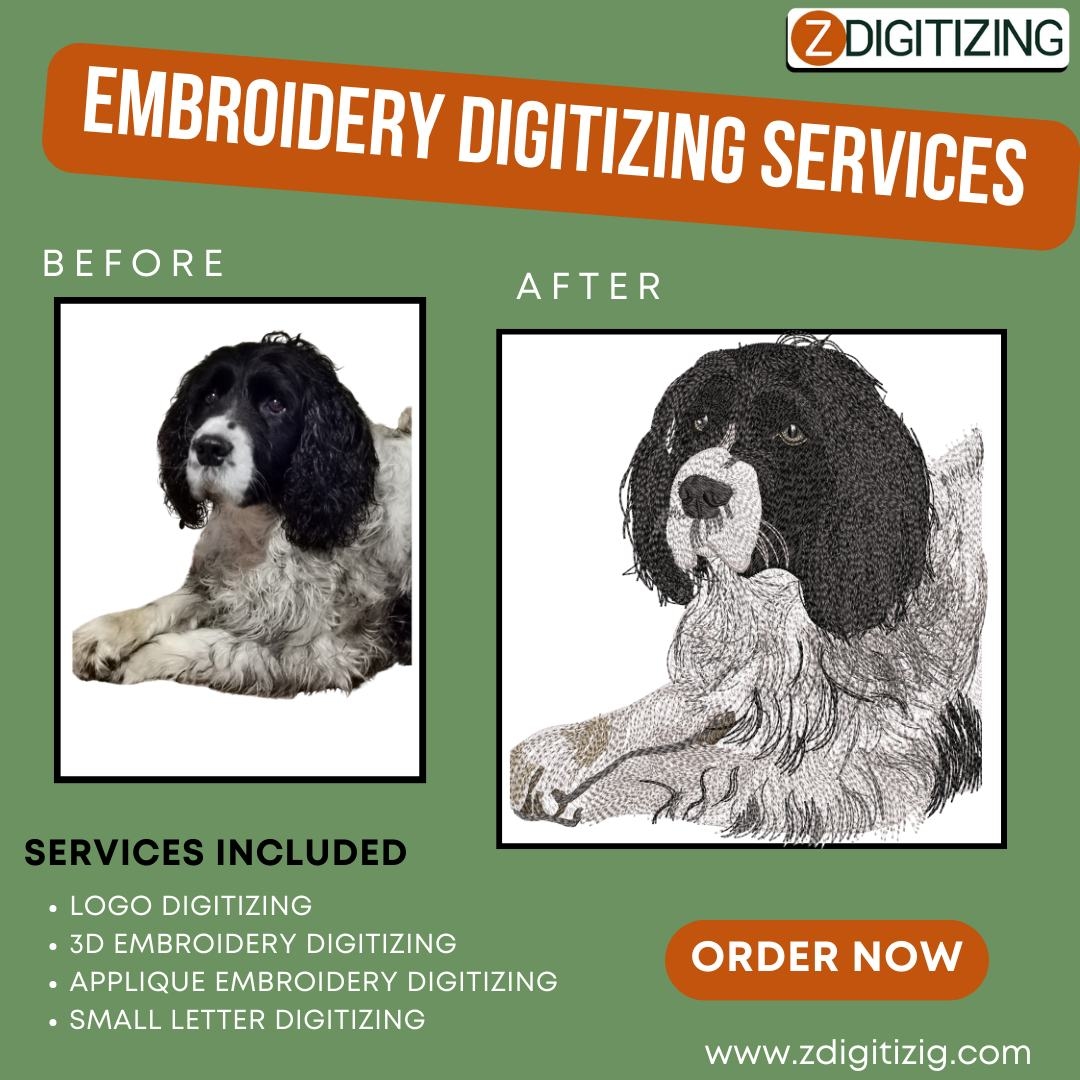
Embroidery is a popular way to personalize clothing, accessories, and promotional items. However, transferring a digital design onto fabric is not as simple as printing it. For embroidery machines to stitch a design accurately, it must first be digitized. Digitize for embroidery converts a digital image into a format that machines can read, guiding each stitch to recreate the design with precision.
Whether you are creating custom apparel, branding uniforms, or making personalized gifts, understanding the digitizing process is essential. Proper digitizing ensures that your design maintains its clarity, proportions, and colors when stitched onto fabric.
What Is Digitizing for Embroidery?
Digitizing is the process of converting artwork or a logo into a machine-readable embroidery file. Common embroidery file formats include DST, PES, EXP, and JEF. The digitized file contains detailed instructions for the embroidery machine, including:
Stitch Type: Determines whether to use satin, fill, or running stitches depending on the area and effect required.
Stitch Direction: Guides thread flow to create texture and shape.
Stitch Density: Ensures fabric does not pucker and the design remains smooth.
Pull Compensation: Adjusts stitching to account for fabric stretch.
Underlay Stitches: Foundation stitches that stabilize the design and prevent distortion.
Without proper digitizing, designs may appear distorted, uneven, or lose detail when stitched.
Why Digitizing Is Important
Professional digitizing improves the quality and consistency of embroidery. Key benefits include:
Accuracy: Every line, curve, and detail is reproduced correctly.
Durability: Properly digitized designs maintain their shape and integrity even after repeated washes.
Consistency: Designs appear uniform across multiple products.
Efficiency: Machines can follow digitized instructions quickly, reducing errors and saving time.
Steps in the Digitizing Process
Digitizing involves several steps to prepare a design for embroidery:
Analyzing the Design: The digitizer evaluates the artwork to determine stitch types, colors, and the best approach for the fabric.
Planning Stitches: Different areas of the design may require specific stitch styles to maintain clarity and texture.
Creating the Embroidery File: Using specialized software, the design is converted into a machine-readable format.
Test Stitching: A sample is stitched to check for accuracy and make adjustments if needed.
Final Adjustments: The design is refined to ensure quality, stitch performance, and compatibility with the fabric.
Preparing Your Design for Digitizing
Properly preparing artwork can improve digitizing results and reduce errors:
Use Vector Files: AI or EPS formats provide clear outlines, making digitizing more accurate.
Simplify Complex Designs: Overly detailed images may need simplification to prevent overcrowded stitches.
Select Appropriate Colors: Thread colors may differ slightly from digital colors, so choose shades that work well in embroidery.
Avoid Thin Lines: Extremely thin lines may not stitch properly and could break or disappear.
Common Challenges
Even with professional digitizing, some challenges may arise:
Small Text: Text that is too small may not be legible when stitched.
Gradient Colors: Smooth gradients are difficult to replicate with thread.
Fabric Variations: Stretchy or textured fabrics may distort stitches if not compensated for.
Complex Designs: Intricate designs require careful planning to maintain clarity.
Advantages of Professional Digitizing
Working with an experienced digitizer ensures designs translate perfectly onto fabric:
High-Quality Results: Every stitch is optimized for clean and polished embroidery.
Time and Cost Efficiency: Reduces thread waste and prevents errors that would require rework.
Versatile Designs: Digitized files can be resized or adapted for different products without losing quality.
Customization Options: Special techniques such as 3D puff embroidery or metallic threads can be applied effectively.
Conclusion
Digitizing for embroidery is a critical step in turning digital artwork into high-quality stitched products. By converting a design into a machine-readable format, you ensure accurate reproduction, durability, and consistent results across multiple items. Whether for business, personal projects, or creative designs, proper digitizing is essential for professional embroidery outcomes.
Frequently Asked Questions (FAQs)
1. Can all types of designs be digitized for embroidery?
Most designs can be digitized, but highly detailed images or very small text may need simplification to maintain clarity.
2. Which file formats work best for digitizing?
Vector files such as AI or EPS are preferred, though high-resolution PNG and JPG files can also be used.
3. How long does it take to digitize a design?
The time depends on the complexity of the design. Simple designs may take a few hours, while intricate ones could take a full day or more.
4. Can a digitized design be resized for different embroidery projects?
Yes, but very small designs may require adjustments to prevent loss of detail or stitching problems.


